The Steam Deck has been pitched as an all-in-one portable gaming PC, developed and built by Valve. Naturally, the console supports Valve’s very own Steam digital storefront, with access to thousands of games.
However, only a relatively small number of Steam games are classed as ‘Steam Deck Verified’ at the moment, thereby guaranteeing full compatibility with the system.
How much is the Steam Deck?
The Steam Deck has three price points based on the amount and type of storage installed on the system. The entry-level model only has 64GB of storage and uses slower eMMC flash-based memory compared to the more expensive 256GB and 512GB models.
Steam Deck Verified is the term used to describe a game that has been fully checked for compatibility with the Steam Deck, based on input, display, performance and seamlessness criteria. The checks are performed by Steam employees and the list of Verified games is regularly updated.
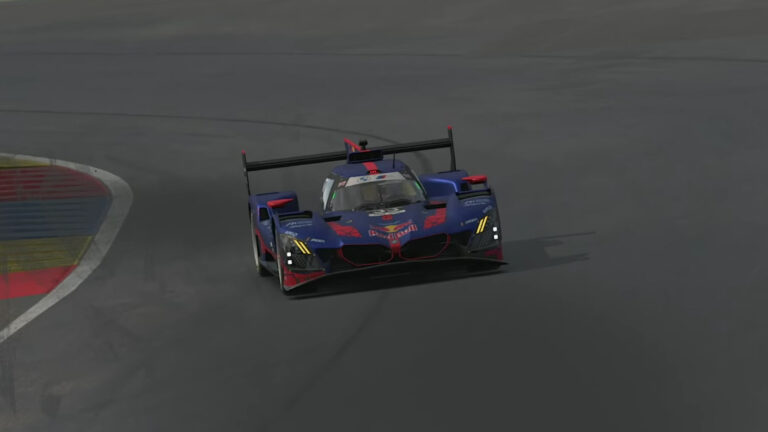
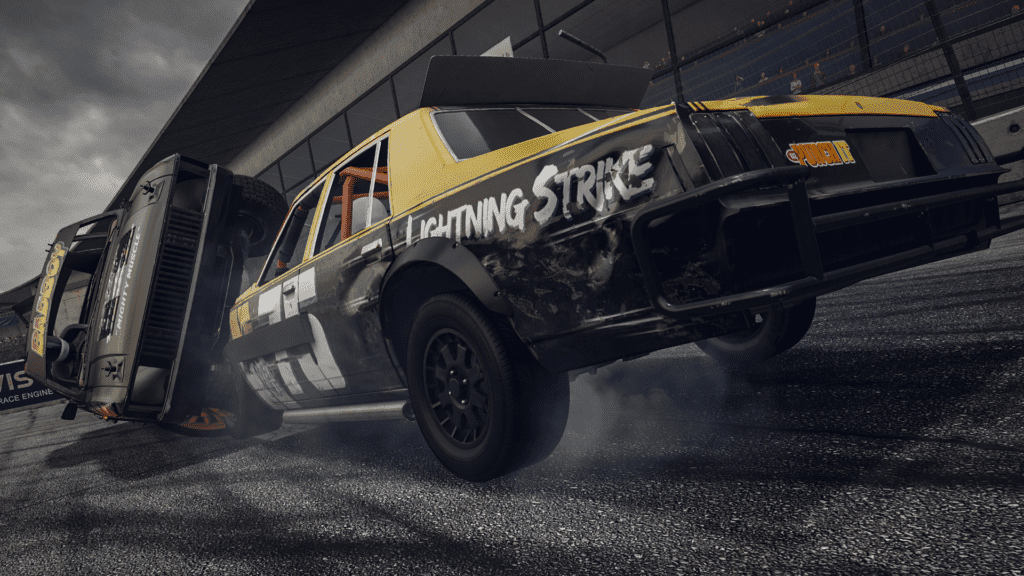
Wreckfest
What other categories of compatibility are there for Steam Deck games?
There are three other categories to denote a game’s compatibility with the Steam Deck, and these are:
Playable – these games are playable on Steam Deck but will likely require more effort to set up and configure correctly.
Unsupported – games denoted as unsupported have been tested and found to be unplayable on the Steam Deck. For example, VR games.
Unknown – games marked as unknown simply haven’t been checked yet. They may work perfectly or they may not work at all. The number of games in the Unknown category should decrease over time as Steam checks through their back catalogue.
How do I find out if a game is Steam Deck Verified?
You can check if a game is Steam Deck Verified by heading to that game’s Steam Store page. Scrolling down, you will see its Steam Deck status.
Also, browsing the Steam Store on the Steam Deck will bring up a ‘Great on Deck’ menu (also available on the PC version as a search category), showing only games that are Steam Deck Verified.
When browsing the Steam Store on the Steam Deck, compatibility is shown clearly: a green tick below the game name means it has been Verified; a yellow exclamation mark means Playable; a grey no entry sign means Unplayable and a grey question mark means Unknown.
Note the Verified green tick on the right
Complete list of Steam Deck Verified racing games
80’s Overdrive
art of Rally
Automobilista 2
Bang Bang Racing
Barro
Barro 2020
Barro F
Buck Up And Drive
Buggy Game
Car Mechanic Simulator 2021
CarX Drift Racing Online
Circuit Superstars
Crash Drive 3
Crazy Taxi
DIRT 4
DIRT 5
DiRT Rally
DiRT Rally 2.0
Euro Truck Simulator 2
F1 2020
Formula Retro Racing
Flatout 4: Total Insanity
Gas Station Simulator
Gearshifters
GRID
Horizon Chase Turbo
Hot Wheels Unleashed
Inertial Drift
Mad Tracks
Mantis Burn Racing
Micro Machines World Series
Minit Fun Racer
Mini Metro
Monster Energy Supercross – The Official Videogame 2
Monster Energy Supercross – The Official Videogame 3












Discussion