
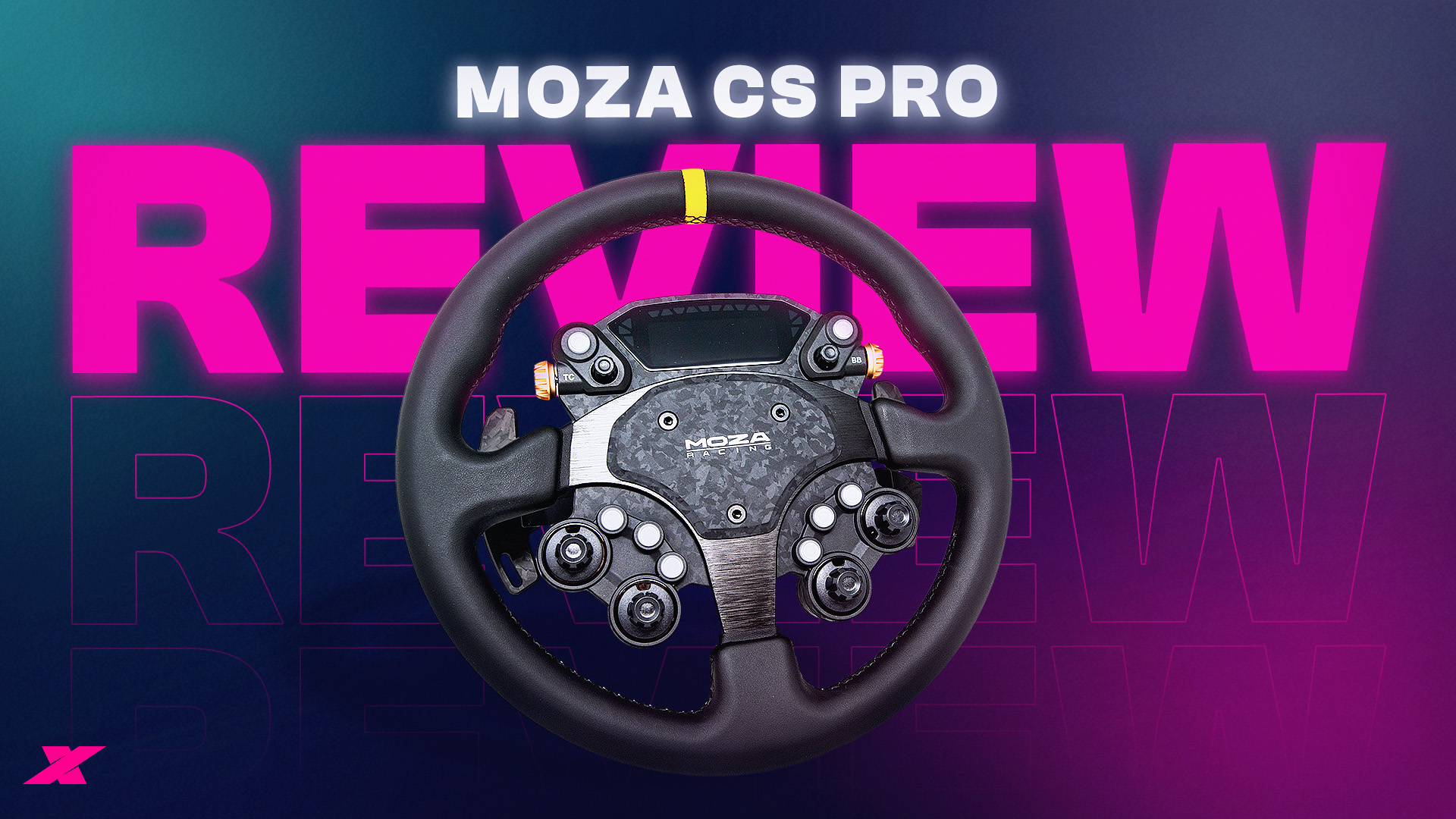
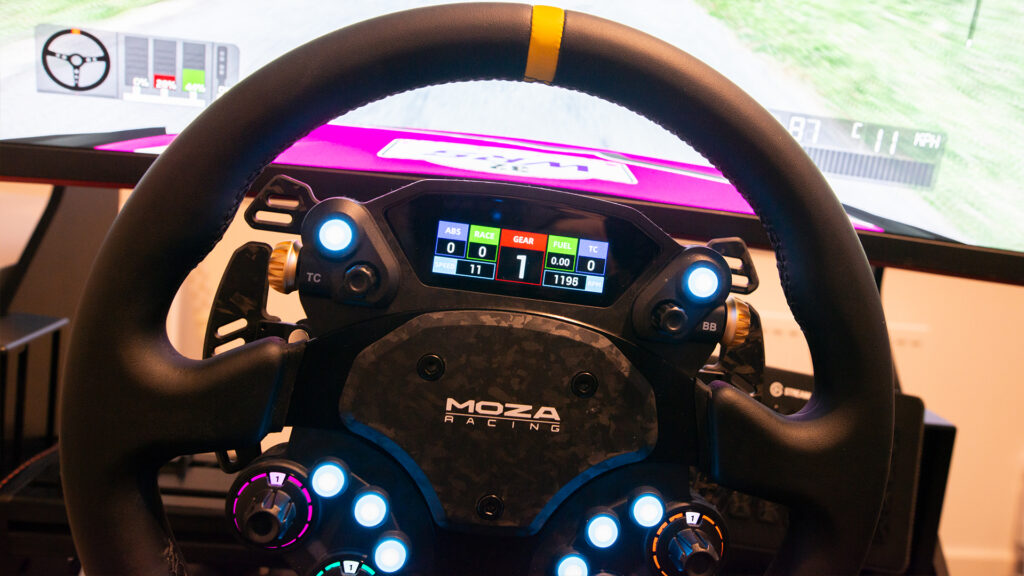
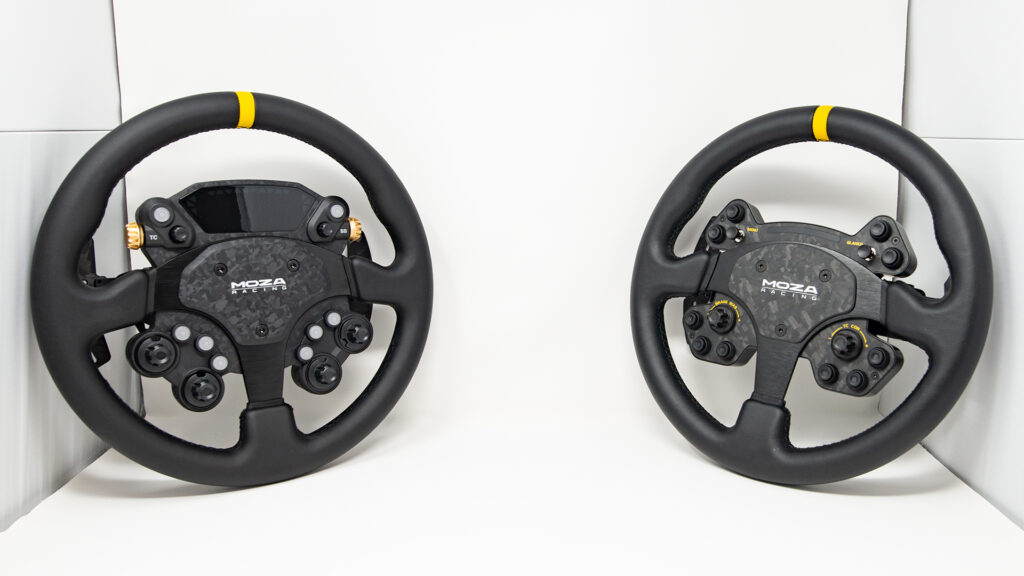
Moza’s CS Pro steering wheel is a direct upgrade over the Chinese firm’s RS V2, featuring a similarly circular design with upgraded switchgear, a screen, and an optional set of extra paddles.
However, the key point is that the CS Pro is now available for just $329 / €349 / £319…
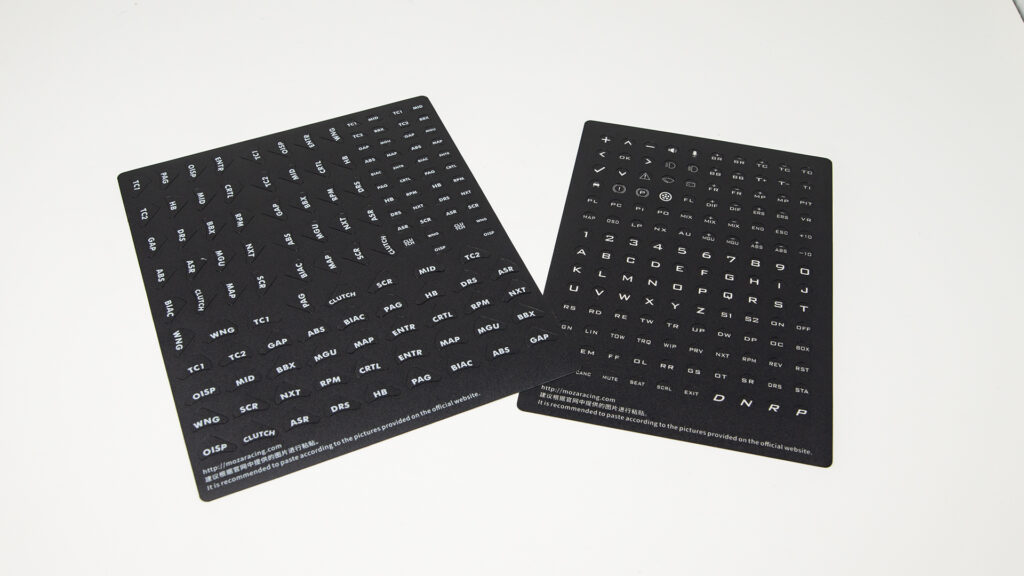
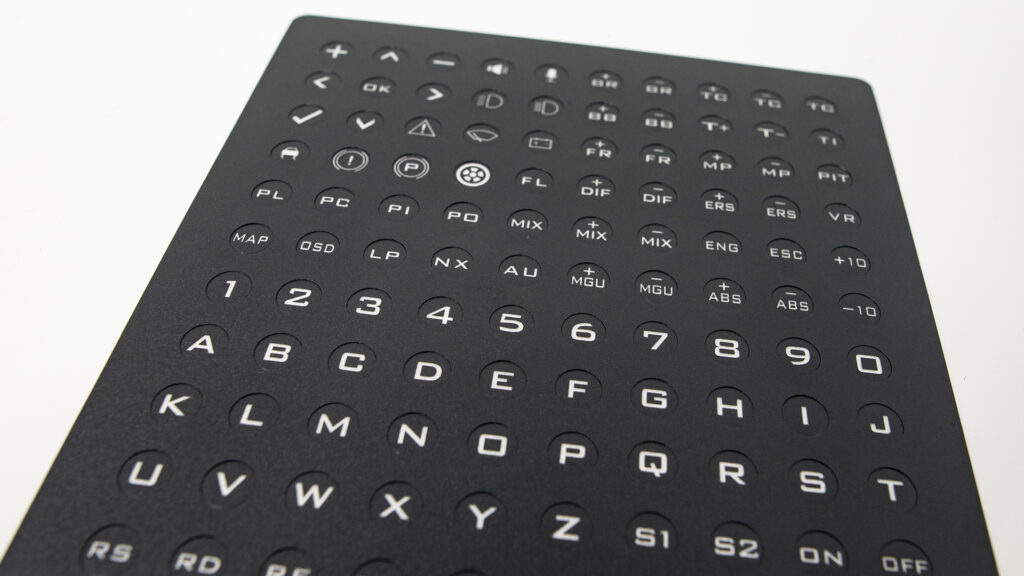
Plus, it comes with some really good stickers…
Features
When a hardware manufacturer delivers the latest product in a series, it will live or die based on new features. Thankfully, the CS Pro is stacked with improvements over the RS V2, even if you’re not a sticker enthusiast.
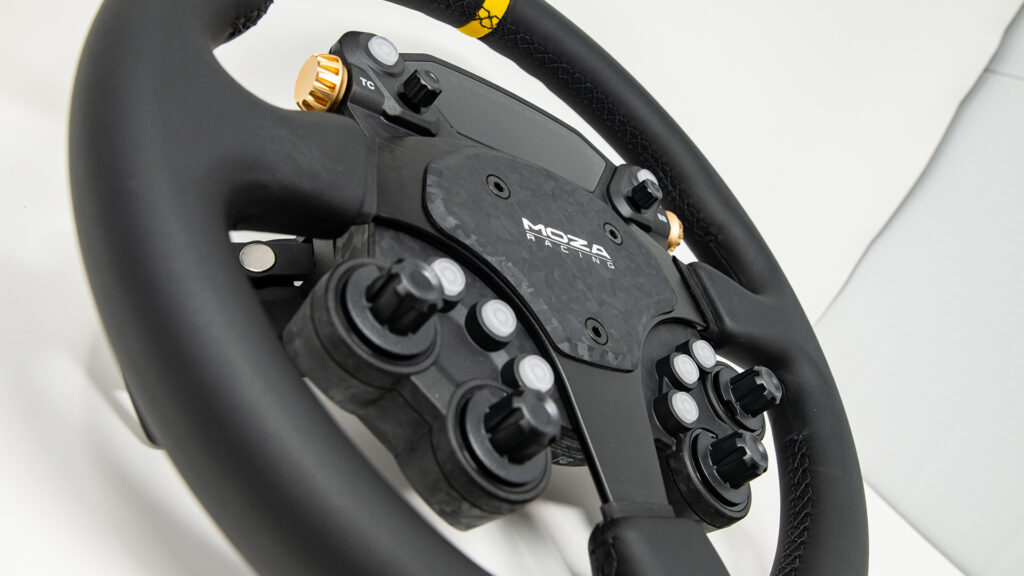
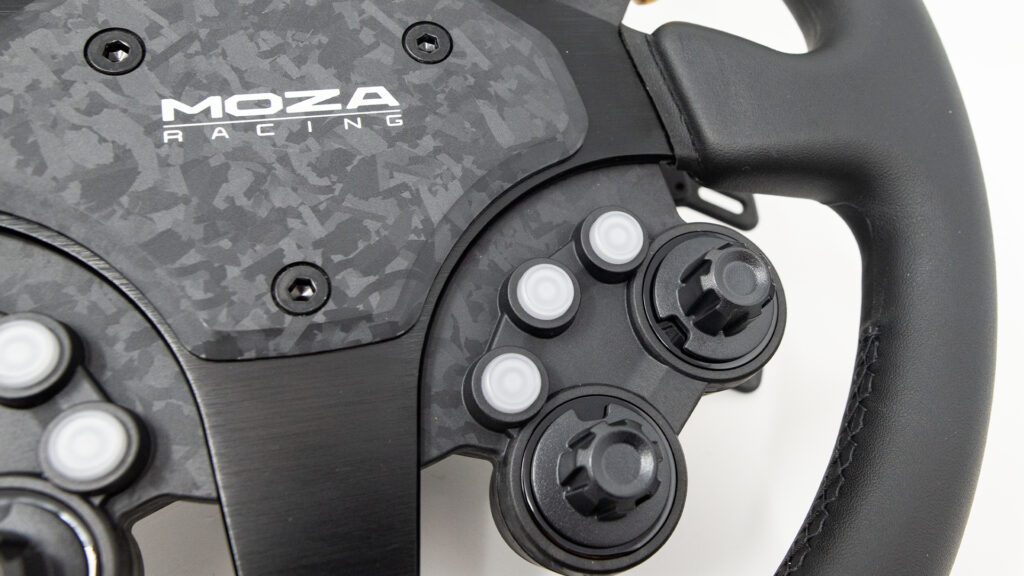
Firstly, the buttons have been completely revamped, with Moza’s normally soft-touch style examples replaced in favour of snappier items (as a direct personal comparison, they feel more like Simagic’s).
Moza has also added a 2.99-inch high-definition screen, with the display editable via Moza’s proprietary PitHouse software (once again, however, there is no SimHub support). An extra set of paddles (sold separately) can also be fitted to the rear, bringing the total paddle count to six.
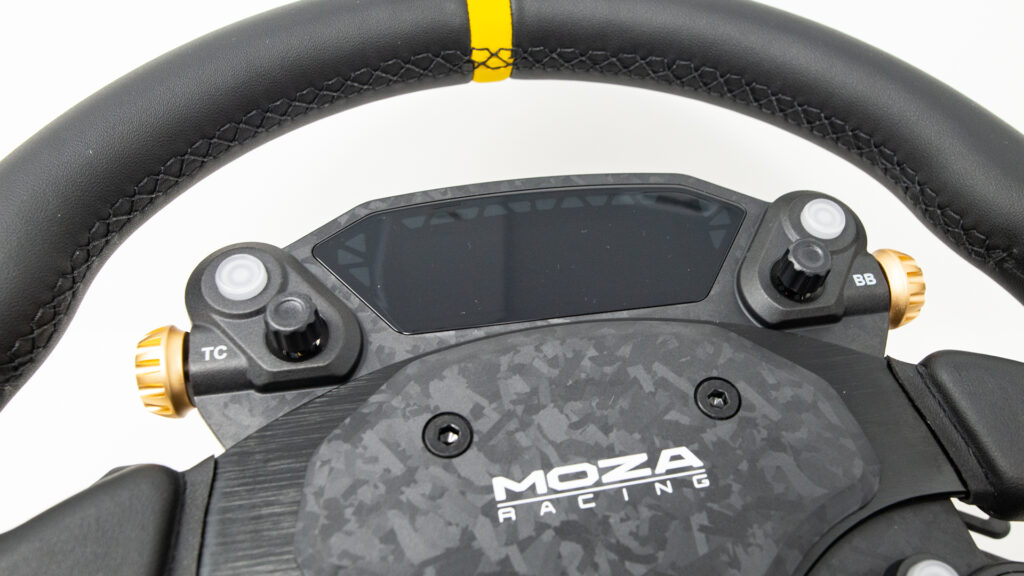
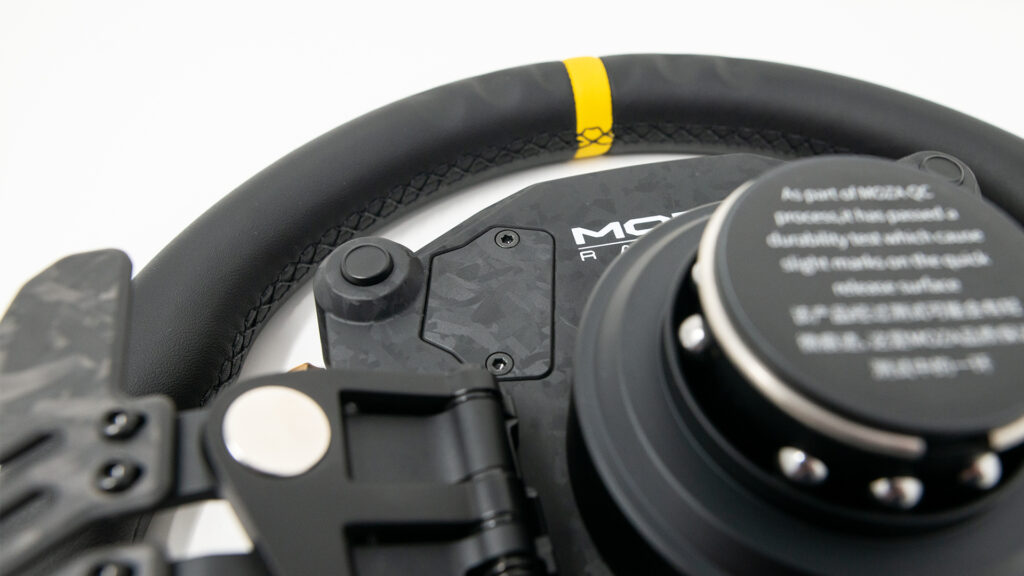
The CS Pro consists of the same combination of a forged carbon button module and faceplate, allied to what feels like a plastic-composite chassis, replete with an alloy hub. It feels sturdy and looks purposeful.
There are eight adjustable RGB-backed buttons and four 12-position rotary encoders, which are also featured on the RS V2 and are now backlit to improve visibility. The two seven-way funky switches are no longer joysticks, but grippier protrusions, which are far easier to operate mid-race.
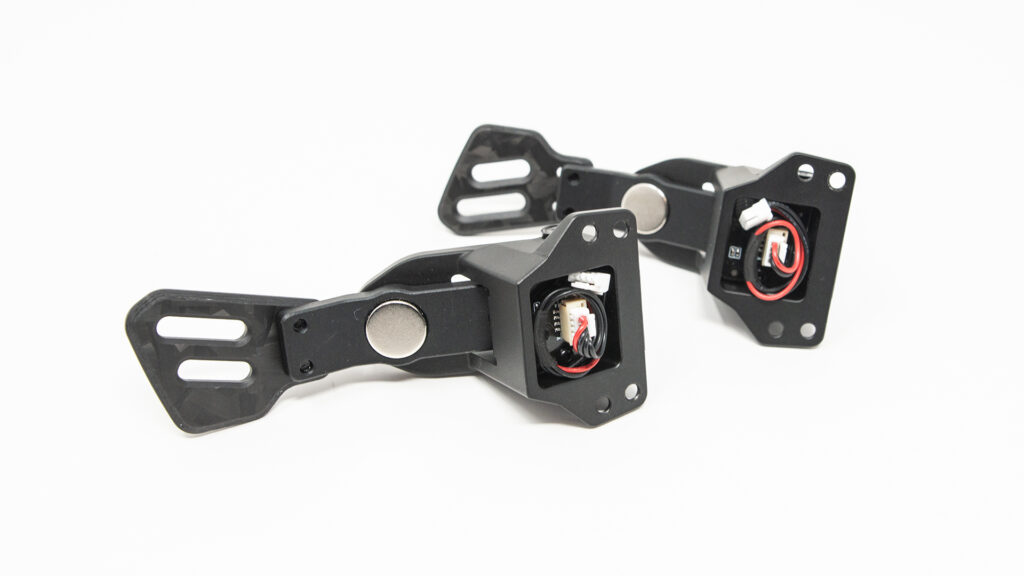
Thumbwheels and paddles
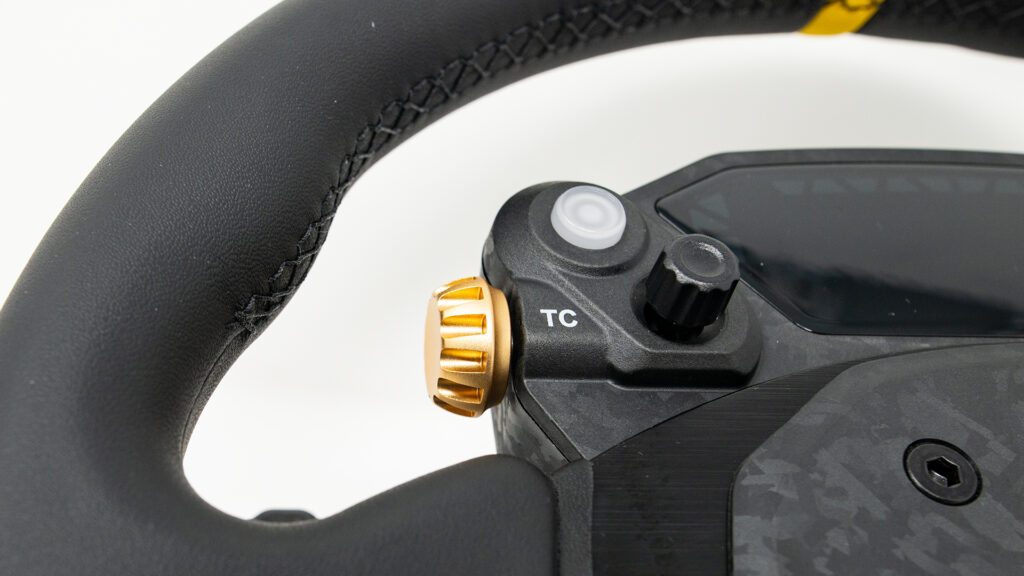
Two new thumbwheels adorn the sides of the button module; they look metal but are in fact gold-painted plastic.
However, they do have a slightly rubbery feel to improve grip and can be depressed to provide two additional button inputs. Also new are the two ‘magic buttons’ to the rear of the chassis, ideal for those looking for some brake magic on a round rim.
A pair of analogue and digital paddles carry over from the old model, built from Moza’s typically robust forged carbon. It’s all rather impressive considering the price point, offering tons of functionality and clever features, but it’s not all sunshine and stickers.
Issues
My biggest gripe with the CS Pro is how inaccessible most of the buttons are.
Like with the RS V2, I’ve found I have to readjust my grip or take one hand completely off the wheel to change settings or cycle through the MFD.
If you run in a series using DRS and KERS, or need to adjust many settings on the fly, this could become an issue, as only the paddles and two buttons are easily accessible without changing your hand position. So, unless you have an extended reach, you’ll have to make do with only being able to grasp the rear paddles and a couple of buttons comfortably.
The CS Pro is also weightier than its predecessor (I also own the RS V2, so I was able to compare the two directly), primarily thanks to the additional hardware and screen, and it feels a little top-heavy as a result.
The extra heft imbues the CS Pro with more inertia, so it may not be the ideal choice for those requiring a quick-reacting wheel (sim drifters, for example).
Extras
The CS Pro is compatible with third-party wheelbases via Moza’s Universal Hub Kit (sold separately) and can be connected directly to your PC.
As ever, PitHouse allows users to edit the dash pages to their heart’s content, but the default screen options are clear enough to display enough information for me, especially as most of my testing took place using Richard Burns Rally. Expect more custom dash options to appear once the CS Pro reaches the hands of community modders.
I’d say the screen’s maximum brightness setting is much duller than the wheel’s buttons, so I toned down the luminosity of the latter to match the former. Other than that, I was happy with how clear the display is. However, the screen’s lack of brightness made it hard to see the traction control and ABS flag lights.
A step forward
Moza’s CS Pro has a couple of issues, but this doesn’t detract from what is overall an impressive package.
It’s beefier than its predecessor, has a slightly dull screen and its ergonomics could be better, but the CS Pro offers even more functionality than the outgoing RS V2.
The button feel is an improvement in my opinion, and its switches and encoders are now far easier to control while wearing gloves. Regardless, the microfibre leather rim feels good without gloves, reminding me of the example in my road-going Toyota GR Yaris: not too chunky, and pleasingly tactile.
Considering the step up in features, the CS Pro’s price ($329 / €349 / £319) looks more than reasonable, and feels like a no-brainer for sim racers in the Moza ecosystem looking for a circular steering wheel.
And if you love 3M Double Coated Tissue Tape-backed stickers, you’re sorted.
If you wish to purchase Moza products, you can help support Traxion by using our affiliate link here.
Traxion has affiliate partnerships where we may earn commissions for products or services purchased via affiliate links. These do not influence editorial content.


Chat with the Community
Sign Up To CommentIt's completely Free