
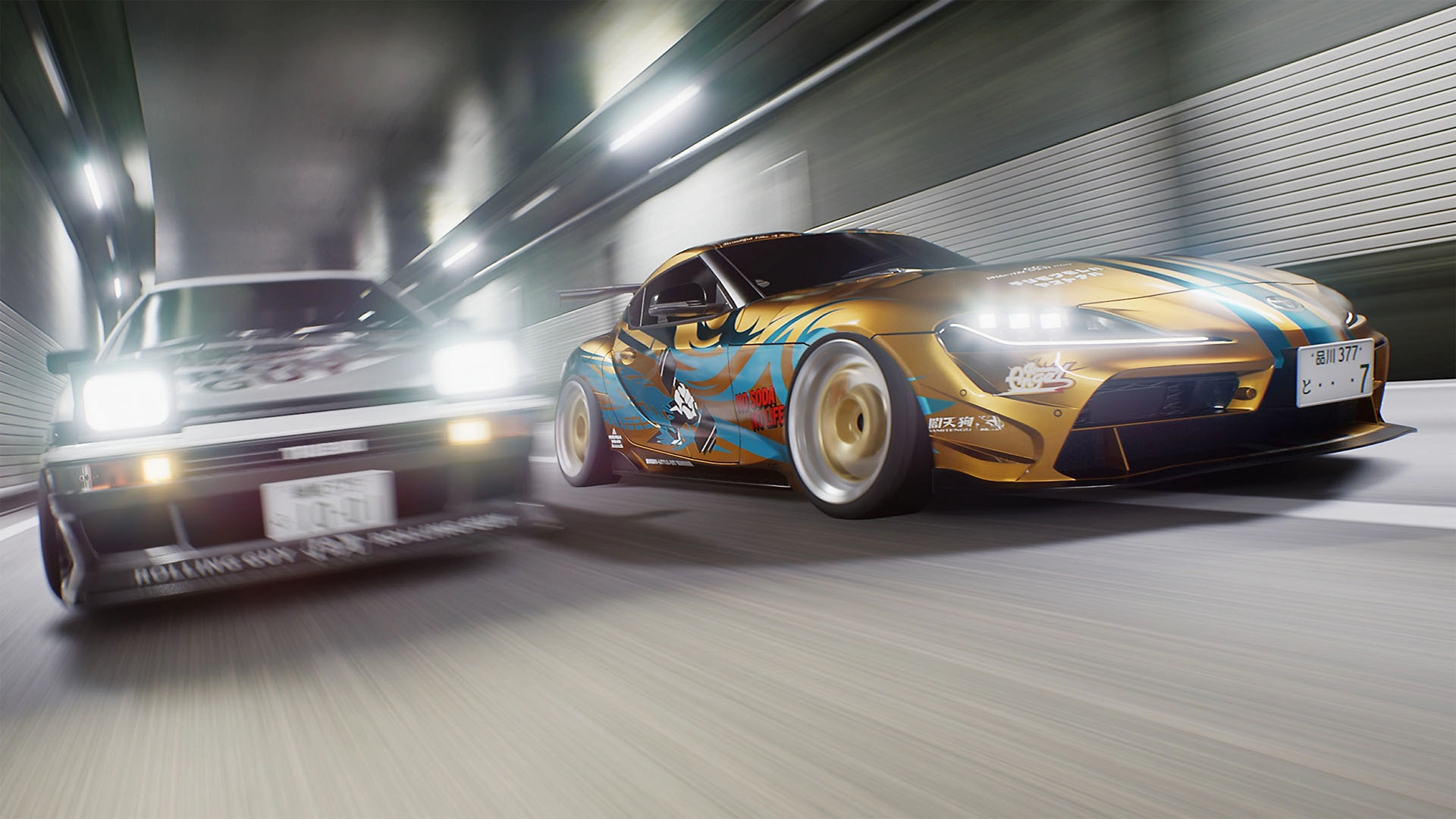
Following its Steam debut last year, today (25th February) sees the long-awaited PlayStation 5 release of Tokyo Xtreme Racer. Notably, the PS5 version adds several previously unreleased cars and new features, including a replay mode and music selector.
Genki previously announced these new features will be added to the PC version in the “next updates”, but no timeframe was given. Happily, a Steam update has dropped today, bringing parity with the PC and PS5 versions.
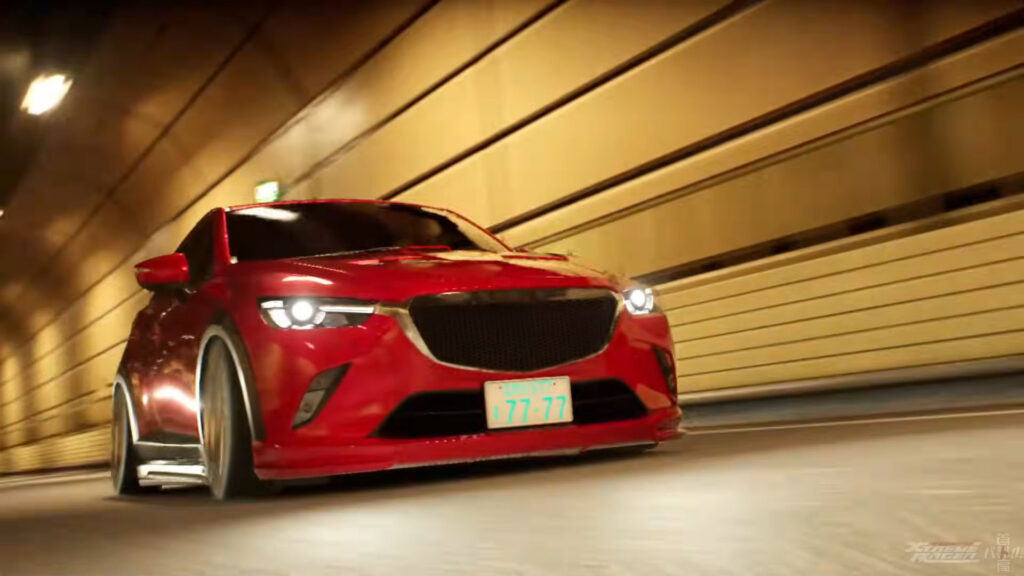
Headlining the update are three new cars that were “delayed due to various reasons”: the Mazda CX-3 X, Honda Fit 1.5W and Honda Accord.
Previously unplayable traffic cars, the Toyota Townace Van and Toyota Dyna truck can also now be purchased and driven.
Another highlight is the long-requested replay mode. To watch replays, you must select “Save Replay” in the options. After a race, replays can be viewed in the Replay Theater, found in the garage’s Reference menu.
A ‘Temporary Files’ menu stores up to 30 replays, but older replays are overwritten if the limit is exceeded unless they are moved to the ‘Saved’ section. Replays can also be favourited and played in different speeds, with multiple camera options.
Rounding off the new features is a music selector that lets you change the music played during free runs, battles and garage visits, or create custom playlists.
Tokyo Xtreme Racer‘s latest update also includes additional improvements and bug fixes listed in the patch notes below.
Traxion will be publishing its Tokyo Xtreme Racer PS5 review soon.
Tokyo Xtreme Racer PC update v1.3.0 patch notes
Added features
The following features have been added:
Replay
The long-awaited replay feature has been added.
To enable the replay feature, turn on “Save Replay” in OPTION.
Saved replay data can be viewed in the REPLAY THEATER on the REFERENCE screen.
Replay data is automatically saved to a “Temporary Files” for each battle.
However, there is a limit to the number of “Temporary Files” that can be saved,
so any data that exceeds the limit will be overwritten starting with the oldest.
If you want to keep any replay data, press the save button and move it from the “Temporary Files” to the “Saved Files”.
You can also mark your favorite replays with the ★FAVORITES button.
Music Selection
Music selection function added.
Music selection can be done in the MUSIC SELECTION tab on the OPTION screen.
The changes will be made to three areas: GARAGE, FREE RUN, and BATTLE.
There are three ways to select music.
- ORIGINAL…No changes
- CUSTOM…Select the background music to play for each screen.
- LIST… Play background music in the order of the playlist you set, regardless of the screen.
Along with the music selection function, we have added some new background music.
We have also added the original soundtracks from previous works that served as the basis for this arranged background music.
Please compare the difference between the arranged version and the original version.
New vehicles
We have added three vehicles that were delayed due to various reasons.
- Mazda CX-3 X(DK5AW) ’15
- Honda Fit 1.5W(GD3) ’04
- Honda Accord D Euro-R(CL7) ’02
In addition, we have added Other Car’s exclusive vehicles, which have been requested by many users, as user vehicles that users can purchase and drive.
- Toyota Townace Van GL(KR52V) ’05
- Toyota Dyna (XZU402) ’99
New languages
New languages French and Spanish are now supported.
Various Adjustments
Various adjustments include:
NewGame+
- When starting a New Game+, the total distance traveled will be carried over.
Custom Cars
- Nitro can now be used on nitro-equipped custom cars.
- Custom cars can now be sold.
- Auras can now be equipped on custom cars.
In-Game UI
- Music titles are now displayed when playing music.
Reference
- Conversations that can only be read when the rival has not yet been defeated can now be unlocked with CP.
Option
- It is now possible to change the volume of only the vehicle engine sounds.
UI
- When moving through a list with the cursor, the next item will scroll when you reach the end.
Bug fixes
The following issues have been resolved:
Rivals
- Fixed an issue where the leader would not appear depending on the order in which team members were defeated.
- Fixed an issue with some Wanderers battle requirements.
- Fixed cosmetic issues with some rival cars.
Vehicles
- Fixed some vehicle model issues.
UI
- Fixed some minor UI bugs.


Chat with the Community
Sign Up To CommentIt's completely Free