
Skip to content
Add us as your preferred news source on Google

The Crew Motorfest Steering Wheel and Peripheral support detailed

Wheels, pedals, joysticks and more that will be compatible with The Crew Motorfest have been detailed as of 4th August.

The Crew Motorfest action

5 minute read

By Justin Melillo

Ubisoft’s The Crew Motorfest is due out later this year, on 14th September. On Friday (4th August), the team behind the title unveiled a compatibility list for each platform the game will release on and what gaming peripherals, such as Steering Wheels, will work on them.

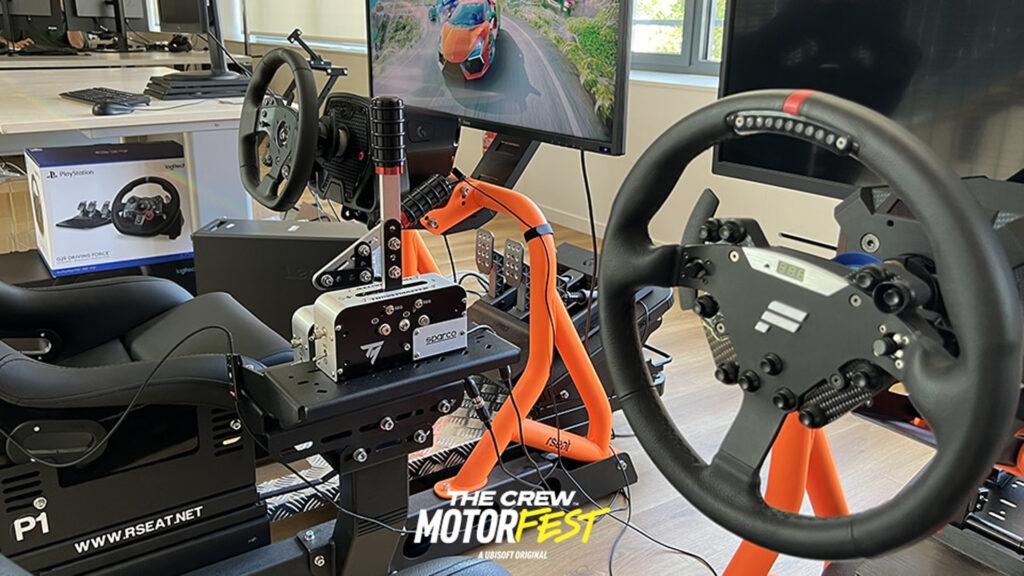
Not just limited to Steering Bases, Wheels, Pedals, Shifters and even Handbrakes, but the peripheral list also includes Gamepads, Joysticks, and other types of products from the big three of hardware manufacturers – Fanatec, Logitech and Thrustmaster.

Sorry to the folks on Asetek and MOZA products – your peripherals have not been listed at current. That’s not to say that Ubisoft won’t add the compatibility down the road, specifically for PC players, but for now, it looks like it is just going to be able to handle the more established brands in the racing equipment sphere.
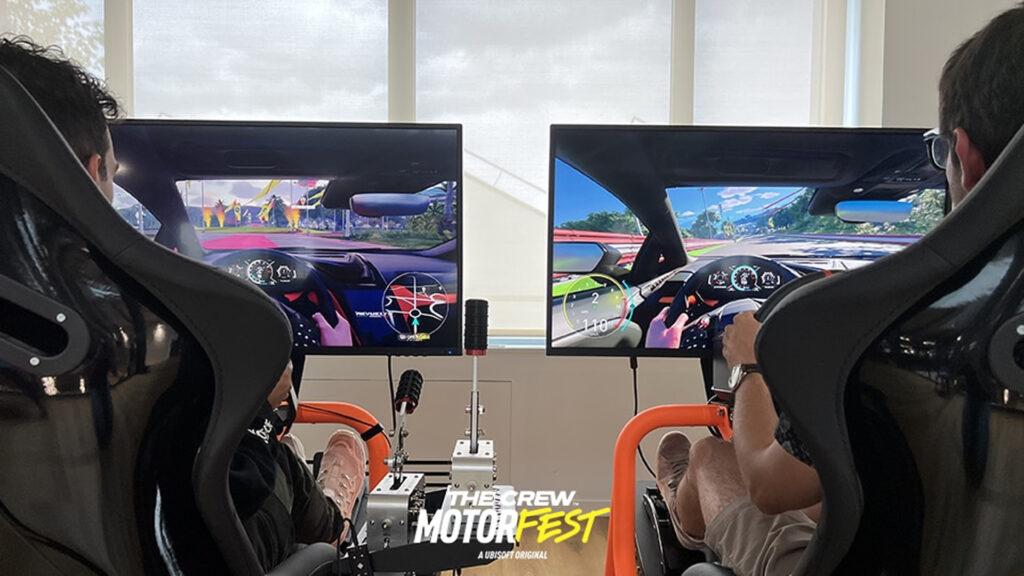
While The Crew Motorfest focuses of cars and driving them, there are also planes and boats, so it’s a bit curious as to what happens when you switch vehicle types, if you have to switch peripherals as well or if it will be seamless. There’s a bit of a Q&A about some of the features of the peripherals, and that’s also been posted below.

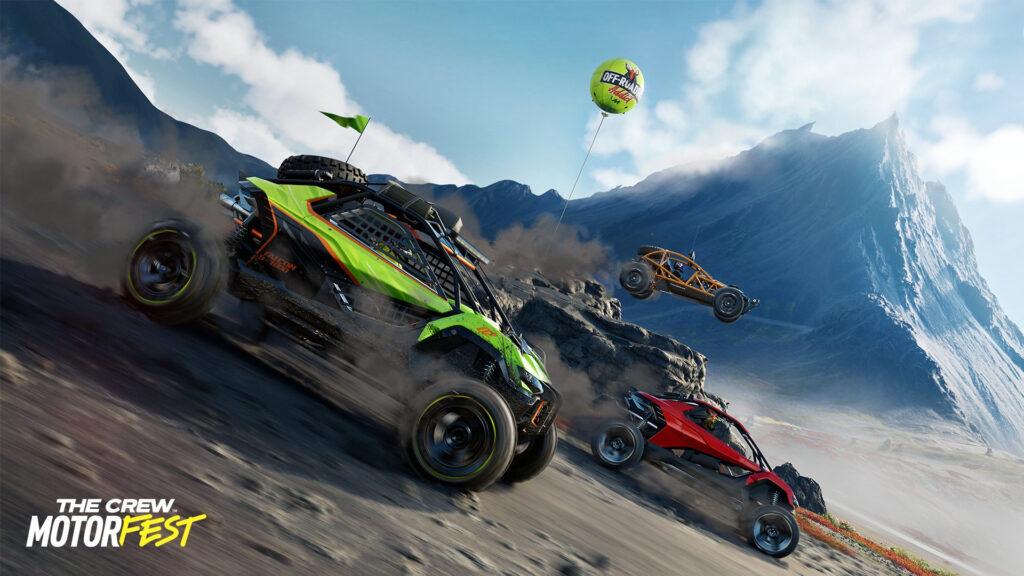
While we know that this isn’t really something that would need it since it tends more towards a game than a simulation, it is worth noting that every car in The Crew Motorfest has a cockpit camera, with detailed car interiors.

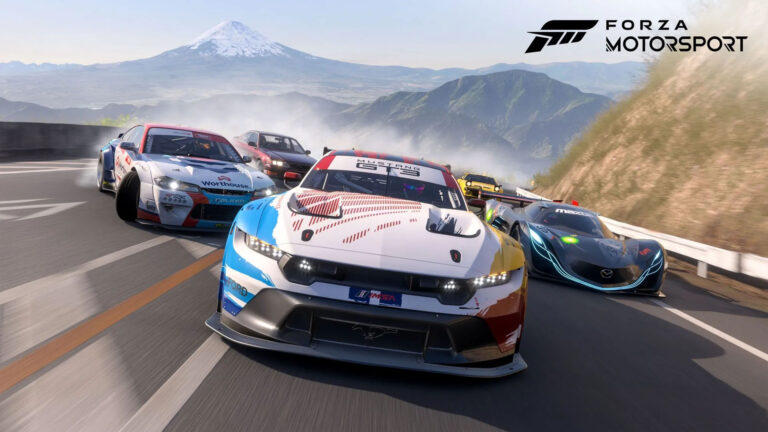
Unlike in one of The Crew’s rival titles, Forza Horizon 5, arm animations for drivers in cockpit mode seem to move in a more realistic fashion.
More The Crew Motorfest stories

Knowing that, it looks to us like the upcoming title has been designed with wheel users in mind from an early stage, which is cool for chronic wheel users like myself that just can’t say no to wheeling, even on titles like Mario Kart and Wreckfest. I can hear my friends yelling at me about that already.

Just to also note, the site says that the β€˜Fanatec CSL DD’ is compatible for PlayStation 4 and PlayStation 5, however we believe this is a simple typo and what they actually mean is the the Fanatec Gran Turismo DD Pro Wheel Base, which they do mention to be compatible in the PC section.

Check out the compatibility list below, compiled from the Ubisoft website. What other peripherals do you hope to see included in the future? Let us know in the comments!

ProductTypePCPS4PS5XB OneXB S X|S
Fanatec ClubSport HandbrakeHandbrakeβœ“
Fanatec ClubSport PedalsPedalsβœ“
Fanatec ClubSport Pedals V3Pedalsβœ“
Fanatec ClubSport ShifterShifterβœ“
Fanatec ClubSport Wheel Base V2 ServoWheel Baseβœ“βœ“βœ“
Fanatec ClubSport Wheel Base V2.5Wheel Baseβœ“βœ“βœ“βœ“βœ“
Fanatec CSL DDWheel Baseβœ“βœ“(?)βœ“(?)βœ“βœ“
Fanatec CSL Elite Wheel BaseWheel Baseβœ“βœ“βœ“βœ“βœ“
Fanatec CSL PedalsPedalsβœ“
Fanatec DD1Wheel Baseβœ“βœ“βœ“βœ“βœ“
Fanatec DD2Wheel Baseβœ“βœ“βœ“βœ“βœ“
Fanatec Gran Turismo DD Pro Wheel BaseWheel Baseβœ“(?)(?)
Hori Onyx PS4Gamepadβœ“βœ“
Leo Bodnar Pedals Adapter for LogitechPedalsβœ“
Leo Bodnar Shifter Adapter for LogitechShifterβœ“
Logitech Extreme 3D ProJoystickβœ“
Logitech G X52 HotasJoystickβœ“
Logitech G27Wheel Setβœ“
Logitech G29Wheel Setβœ“βœ“βœ“
Logitech G920Wheel Setβœ“βœ“βœ“
Logitech G923 PS4Wheel Setβœ“βœ“βœ“
Logitech G923 XboxWheel Setβœ“βœ“βœ“
Logitech Racing PRO PedalsPedalsβœ“
Logitech Racing PRO SonyWheel Setβœ“βœ“βœ“
Logitech Racing PRO XboxWheel Setβœ“βœ“βœ“
Thrustmaster BT-LED DisplayOtherβœ“
Thrustmaster eSwap Pro ControllerGamepadβœ“
Thrustmaster T818Wheel Setβœ“
Thrustmaster Hotas Warthogβ„’ Flight StickJoystickβœ“
Thrustmaster Hotas Warthogβ„’ Dual ThrottleThrottleβœ“
Thrustmaster T.16000MJoystickβœ“
Thrustmaster T.Flight Hotas 4Joystickβœ“
Thrustmaster T.Flight Hotas OneJoystickβœ“
Thrustmaster T.Flight Hotas XJoystickβœ“
Thrustmaster T.Flight Rudder PedalsPedalsβœ“
Thrustmaster T128 PlaystationWheel Setβœ“βœ“βœ“
Thrustmaster T128 XboxWheel Setβœ“βœ“βœ“
Thrustmaster T150Wheel Setβœ“βœ“βœ“
Thrustmaster T-248 PSWheel Setβœ“βœ“βœ“
Thrustmaster T-248 XboxWheel Setβœ“βœ“βœ“
Thrustmaster T300 RSWheel Setβœ“βœ“βœ“
Thrustmaster T3PA Add-OnPedalsβœ“
Thrustmaster T3PA Pro Add-OnPedalsβœ“
Thrustmaster T3PMPedalsβœ“
Thrustmaster T500 RSWheel Setβœ“βœ“
Thrustmaster T80Wheel Setβœ“βœ“βœ“
Thrustmaster T80 Ferrari 488GTB EditionWheel Setβœ“βœ“βœ“
Thrustmaster TCA Quadrant Airbus EditionThrottleβœ“
Thrustmaster TCA Sidestick AirbusJoystickβœ“
Thrustmaster T-GTWheel Setβœ“βœ“βœ“
Thrustmaster T-GT 2Wheel Setβœ“βœ“βœ“
Thrustmaster TH8A Shifter Add-OnShifterβœ“βœ“
Thrustmaster TH8 RS ShifterShifterβœ“βœ“
Thrustmaster TMXWheel Setβœ“βœ“βœ“
Thrustmaster TS-PCWheel Setβœ“
Thrustmaster TSS Sparco Mod+Shifterβœ“βœ“
Thrustmaster TS-XWWheel Setβœ“βœ“βœ“
Thrustmaster TWCS ThrottleThrottleβœ“βœ“βœ“
Thrustmaster TXWheel Setβœ“βœ“βœ“

What are the options available with steering wheels and peripherals listed above? (per Ubisoft)

  • Button Remapping:Β each action can be remapped from all peripherals across all platforms.
  • Plug & Play: player with any peripheral at any time.
  • Dynamic Wheel Range: your vehicle wheel range will be applied automatically to your steering wheel for a 1:1 racing experience. An option is available to switch to a static wheel range.
  • Dynamic Force Feedback: precise feedback tuned for each supported steering wheels based on the vehicle you use and the parameters you selected.
  • Haptic Contexts: steering wheels and gamepads are tuned through 30 vehicle contexts and behaviors to offer the most fine-tune experienced.
  • Dualsense Haptics: new sound based rumbles technology to redirect most engine and road related effects inside your Dualsense.
  • Trigger Haptics:Β Braking and Throttle triggers feedback ABS and Gearshift.

IMAGES AND SOURCE: Ubisoft

Top 5 most read this week

Discussion

Leave a comment

Latest news