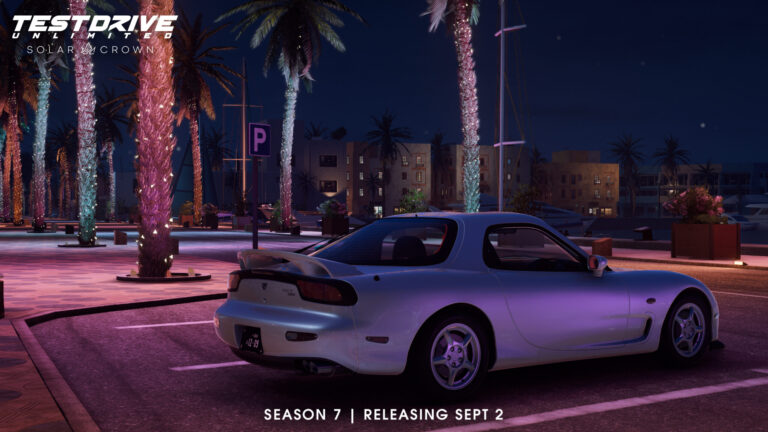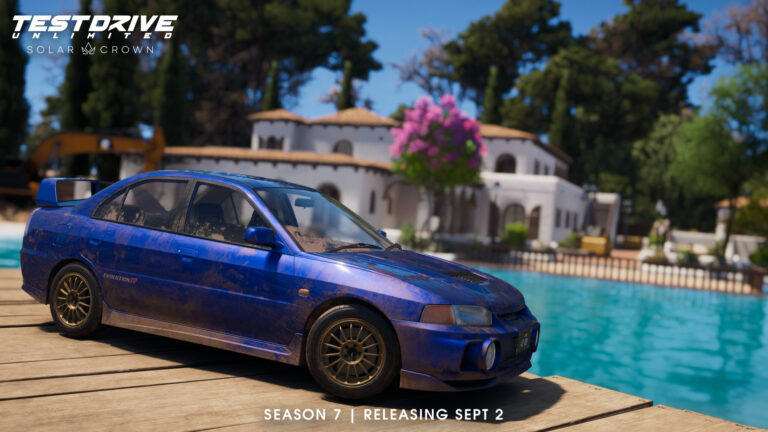



Last week’s Season 5 update for Test Drive Unlimited Solar Crown introduced several long-requested new features, including the return of taxi missions, the ability to sell cars and improvements to the in-game economy with higher race payouts.
While it was another step in the right direction for the troubled open-world racer, the update was overshadowed by a long list of problems, including a brightness glitch with HDR enabled, Solar Pass rewards not unlocking and PC crashes with certain graphics cards.
Launching on Wednesday, 12th November with maintenance starting at 9:30am CET and expected to last until 6:00pm CET, the update will fix the widely reported HDR display glitch and add “optimisations to reduce GPU hang issues.”
Additionally, Gold and Silver tokens will be re-enabled after players were previously unable to claim Solar Pass rewards in Season 5, with the Lamborghini Urus Graphite Capsule also unlocking after claiming the Solar Pass.
KT Racing notes it was unable to address some issues, such as gameplay freezes during online poker and PS5 crashes in time for the crash. However, more fixes are planned for a mid-season update, with details to be confirmed in the next Solar Club Letter.
A second update will focus on optimisation for all platforms.
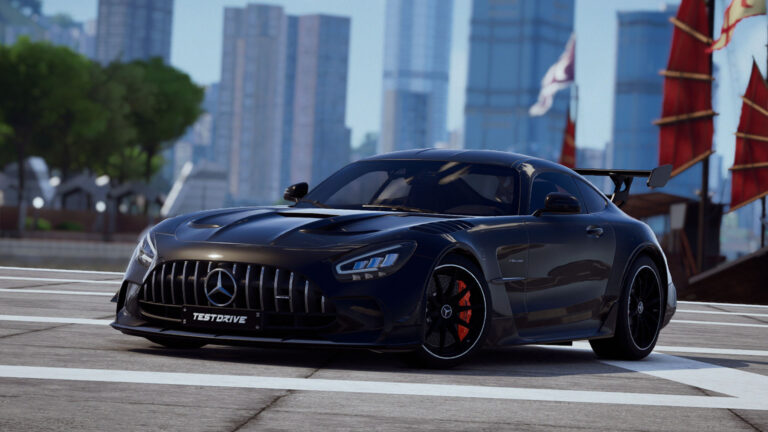
Test Drive Unlimited Solar Crown Season 5 hotfix patch notes
More details about the Season 5 hotfix can be found in the patch notes below.
General Fixes & Improvements
Fixed HDR settings not working as expected
Added optimizations to reduce GPU hang issues
Re-enabled claiming the Solar Pass using tokens
Ensured the Lamborghini Urus is added to the inventory after claiming the Solar Pass
Fixed live event rewards not being added to the inventory properly (Solar Coin Bonus)
Changed the date of the end of the season displayed in the Solar Hotel
Fixed crash when starting game on Ibiza between 12 am and 12:30 am on some timezones
Fixed time when returning to freeride after Taxi mode
Fixed crash when a remote player opens his vehicle window
Fixed an issue where the application crashes during the loading screen on selecting the ‘Continue’ option after the Initial Interactive Screen, when the user travels to the solar hotel and re-launches the application
Poker
Fixed crash when joining poker room during a reveal action on any table
Fixed action buttons being displayed while watching own cards or board cards
Fixed action timer freeze when stop watching own cards or board cards
Fixed possible crash when entering poker room
Fixed crash when leaving table while second player has been kicked out of table
Fixed dealer button not moving between players
Fixed reveal camera not switched when player folds during reveal
Fixed timer synchronization between client and server
Fixed wrong token count when leaving poker table
Fixed token count in rebuy popup
Fixed being able to rebuy when having no tokens left
Fixed poker chips balance display not being updated after exiting from a table
Enhanced player experience during poker sessions
Fixed multiple possible crashes during poker sessions
PC
Added vram usage table for fidelityFX (FSR3)
Added vram interpolated calculation for fidelityFX custom mode
Added support for FSR3 in settings screen
Fixed DLSS option not being active
Moved dynamic probe from high to ultra in “SSR” option
Fixed a crash when using AMD graphics cards from series 9000
Network
Better Stability and Performance
Other Details
More details on the next fixes will arrive in the November Solar Club Letter. This letter will discuss the release date for Update 1, as well as some planned fixes we have for it.
There are some bugs we could not yet fix in time for the hotfix, some of this including the Poker gameplay freeze and the PS5 random crash (however, some may experience a crash fix based on ‘Fixed an issue where the application crashes during the loading screen on selecting the ‘Continue’ option after the Initial Interactive Screen, when the user travels to the solar hotel and re-launches the application’). You may also see the following issues as well:
An overall illumination problem that dyes the screen green or red can always happen rarely. In some cases, a workaround for this can be opening the photomode, and closing. This should however, be fixed on XSX/S and PC.
When a player leaves a poker table during the card dealing phase, the other players are stuck on that phase of the game (you have to leave the table when this happens).
On PC, the option that uses the XeSS causes the user to crash when selecting an upscaling value.
On PC, selecting a value for all upscaling modes is reset to 50 at launch of the game without saving the chosen value
Please continue to report any issues you have on the MyNacon Support Page and we will make sure to follow up with any other issues you are experiencing. Update 1 and Update 2 are planned to have more bug fixes, with Update 2 focusing a lot on optimisation for all platforms.
Discussion
0 Comments
Join the discussion
Join Traxion.gg to start discussing with members.
Already a member? Sign in