
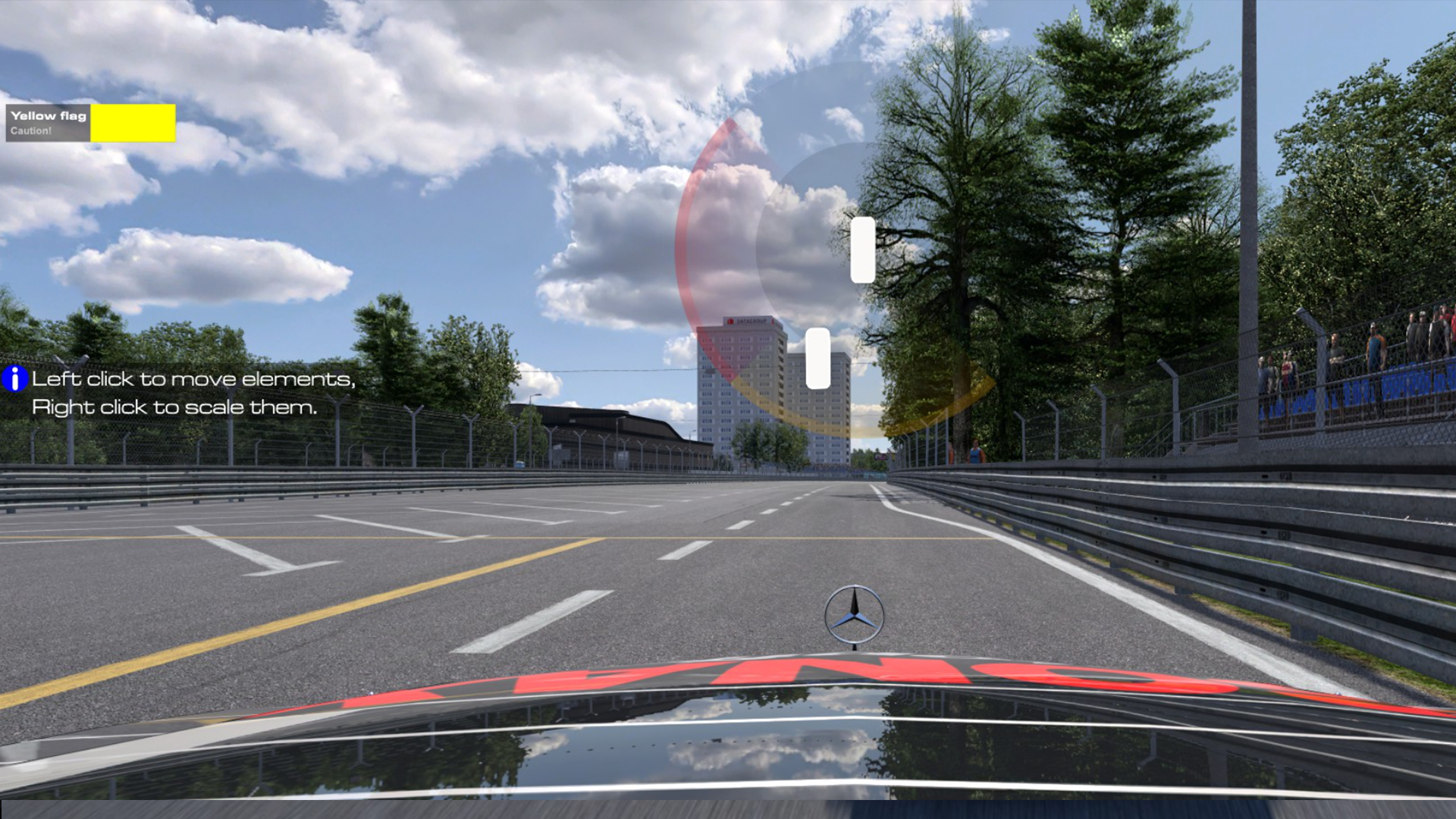
Just in time for the festive break, RaceRoom has introduced a radar option to its heads-up display options.
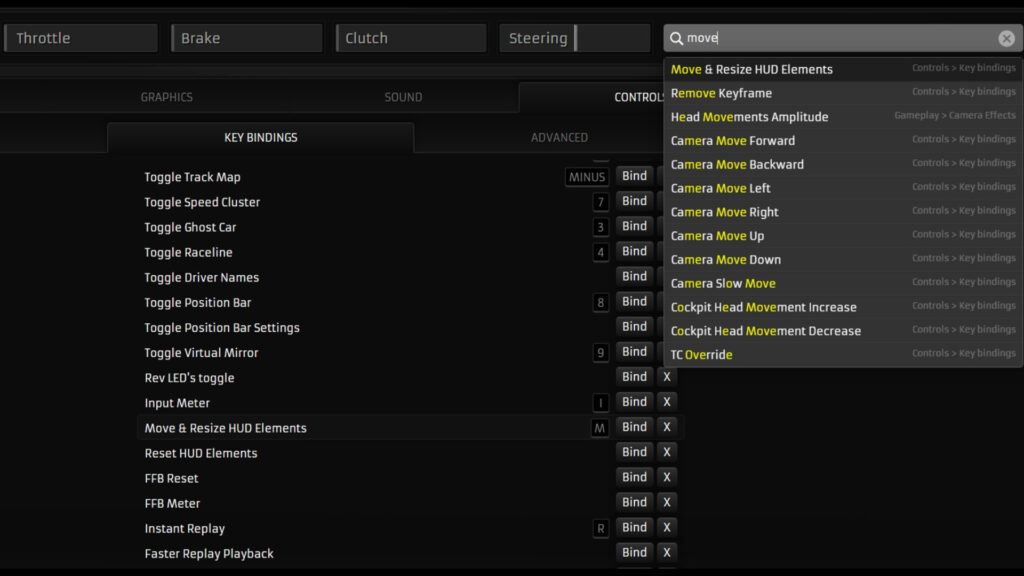
The system is listed under ‘Car Proximity Indicator’ and can be enabled or disabled in Settings -> Gameplay -> HUD, and can be resized and moved in-game using the ‘Move and Resize HUD Elements’ keybind.
The radar provides players with a visual cue indicating how close other cars are relative to their own. A red tint indicates a car is alongside and overlapping, while an orange tint indicates another vehicle is nearby but not overlapping
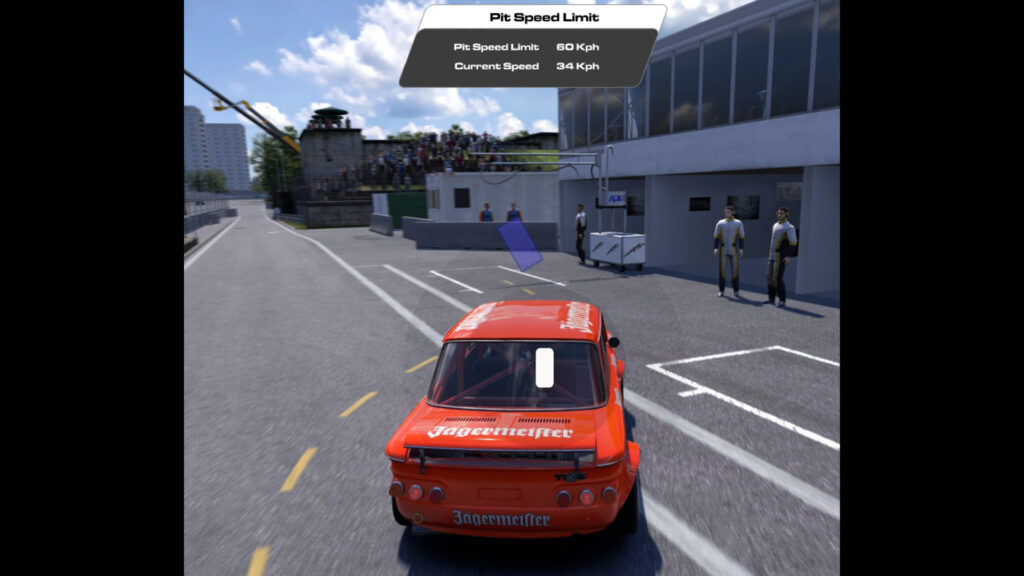
Opposition vehicles are shown on the radar by way of rectangular boxes, and change colour based on their closeness to the player’s car. All cars are drawn to scale, with pit boxes shown as blue rectangles.

If collisions are disabled, other cars are still shown on the radar, but are coloured grey.
The addition of a radar is part of a larger project to redesign RaceRoom’s HUD, with more changes expected in 2026.
RaceRoom’s radar update is available to download now on Steam.


Chat with the Community
Sign Up To CommentIt's completely Free