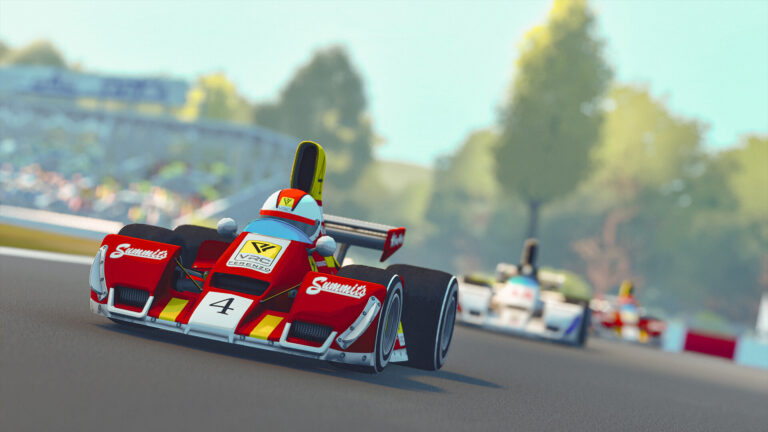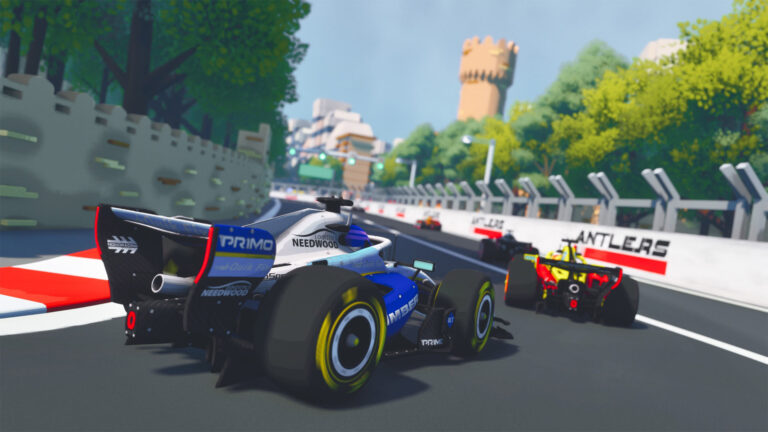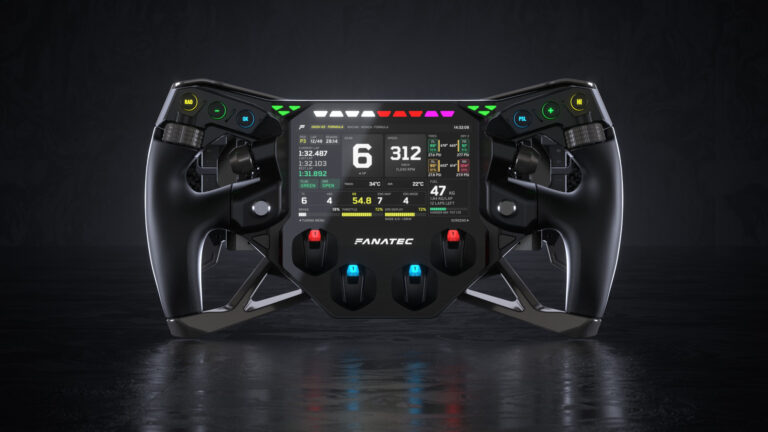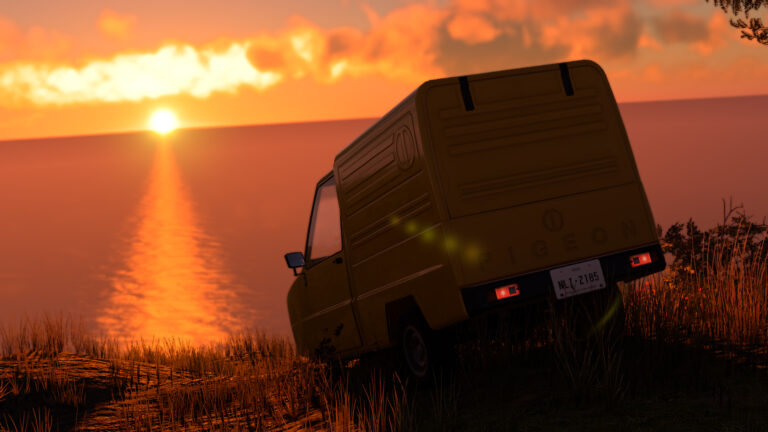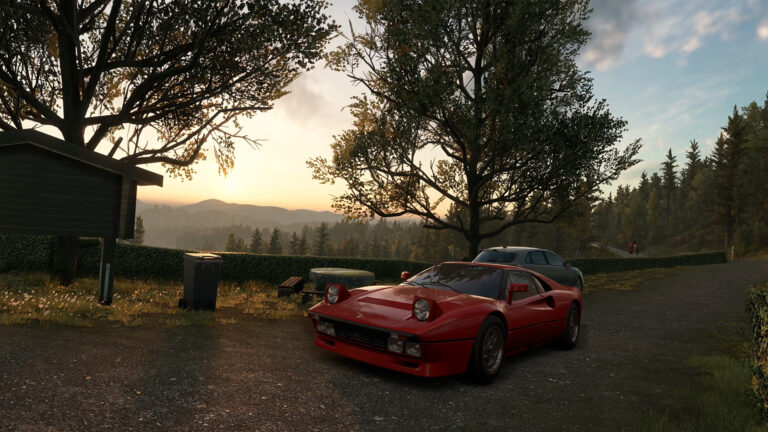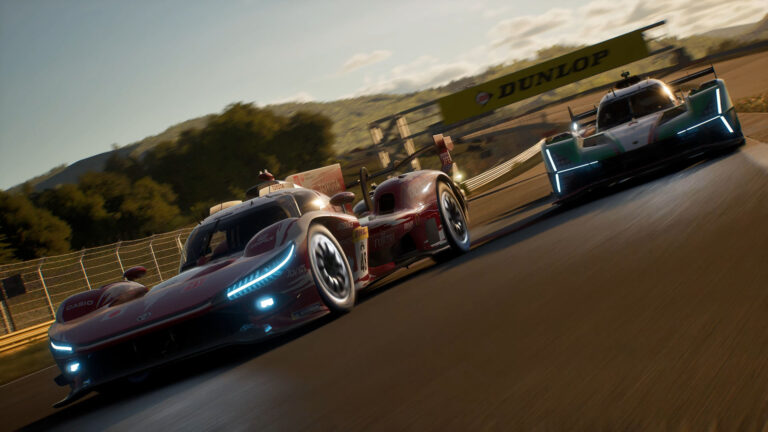

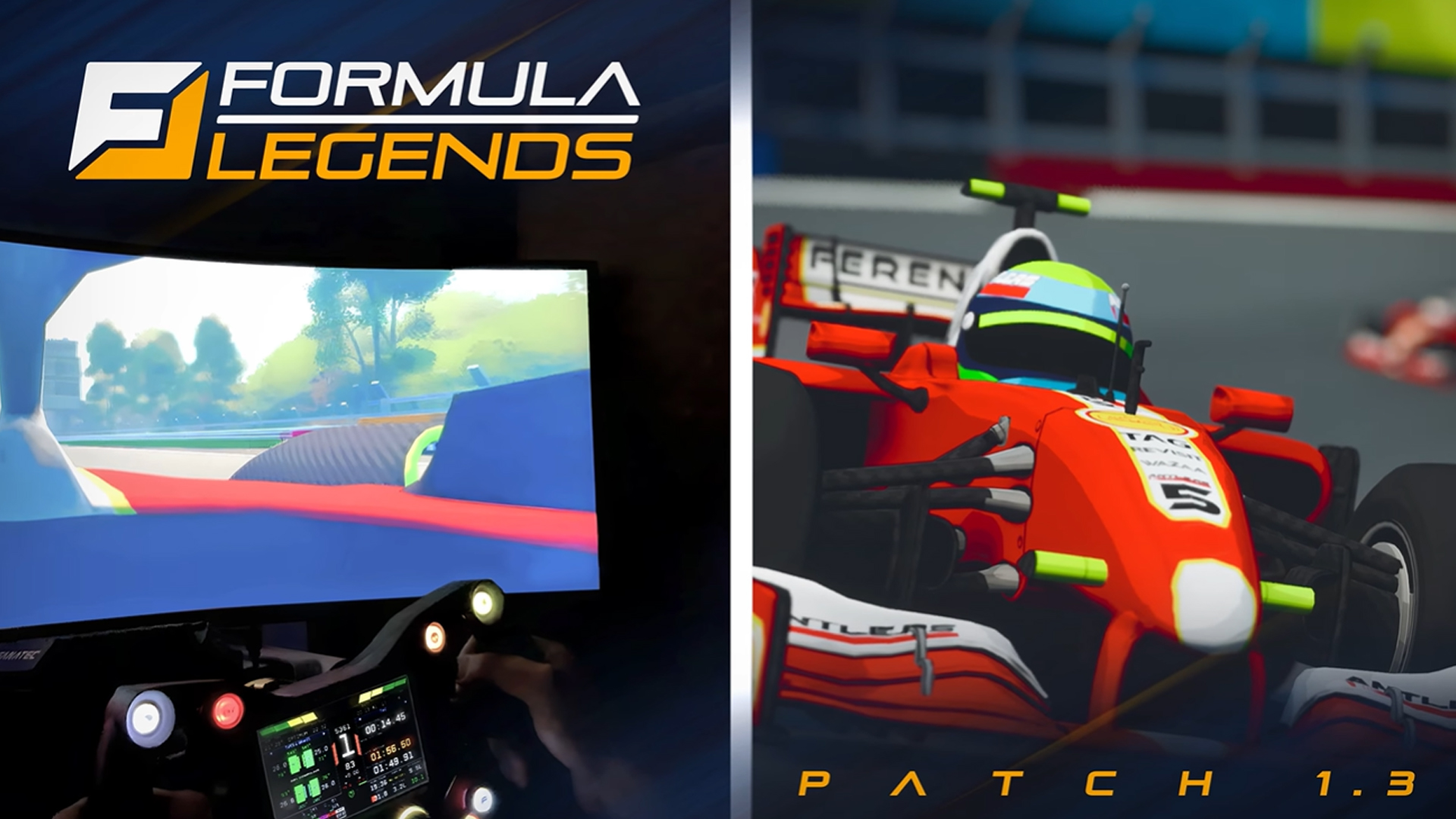
Formula Legends now supports steering wheels on PC, with consoles coming later.
But, in our opinion, this isn’t the most-important part of the Version 1.3 update that was released today, 13th February 2026.
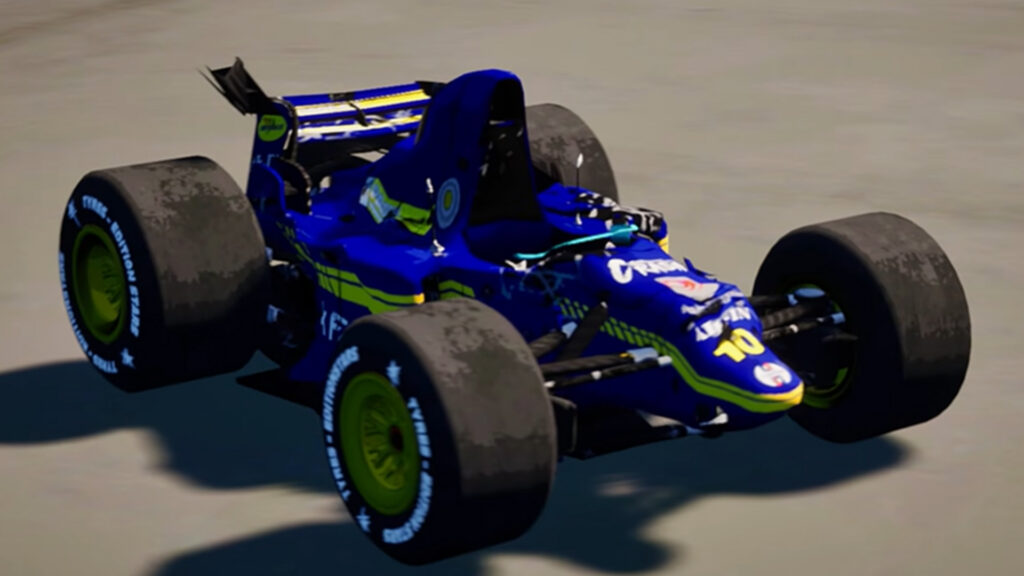
By far and away, one of the most frustrating elements of the 3DClouds-created title has been the sticky, unpredictable, car-to-car contact. At times, it would ruin the experience.
A new system has now been implemented, in theory proving more life-like contact – thank goodness.
Tied in with this feature is the addition of visual damage, being able to map wheel control inputs and changes to qualifying timings.
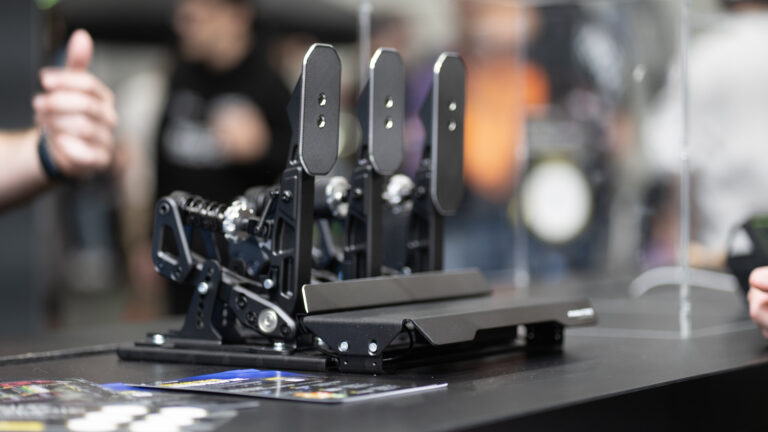
Oh, and yes, you can now drive it on PC with Fanatec, Logitech, Thurstmaster and Moza equipment – the brands which are believed to make up the majority of the wheel market.
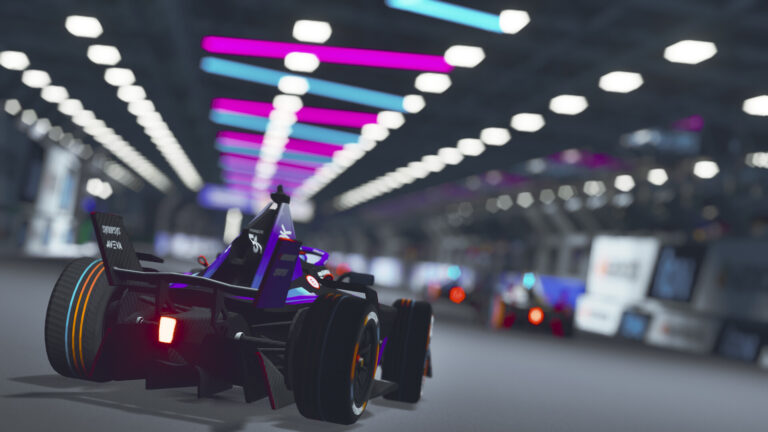
There are further updates and DLC to come, with the next teased to be contemporary, perhaps based around the 2026 definitely-not-F1 season.
Formula Legends Patch 1.3 notes
Gameplay & Rules
Improved qualification session timing for more reliable session flow
Rebalanced the Tire Master pilot perk to prevent overpowering while still rewarding smart tyre management
Improved gear shifting behavior for more consistent and responsive changes
Refined vehicle collision boxes to reduce invisible contacts and unexpected side collisions
Controls & Visual Settings
Improved steering wheel input remapping for easier configuration and better compatibility
Fixed the Depth of Field option so it now behaves correctly and reflects selected values
Steering Wheel & Force Feedback
Improved deadzone behavior and overall force feedback consistency
Reduced excessive force feedback during gear changes
Restored wheel slip feedback and fixed unwanted vibrations
Fixed force feedback turning off in menus or after qualifying
Controls, UI & Gameplay
Fixed throttle not always reaching 100% and improved pedal behavior
Restored missing wheel steering options on supported platforms
Fixed tyre selection issues and race timer behavior during pit stops
Improved stability, menus, tutorials, and localisation
Audio & Visuals
Added new audio feedback when a gear can’t be engaged due to RPM limits
Fixed impact and engine audio issues after collisions
Fixed custom camera crashes and visual option inconsistencies
Discussion
0 Comments
Join the discussion
Join Traxion.gg to start discussing with members.
Already a member? Sign in