
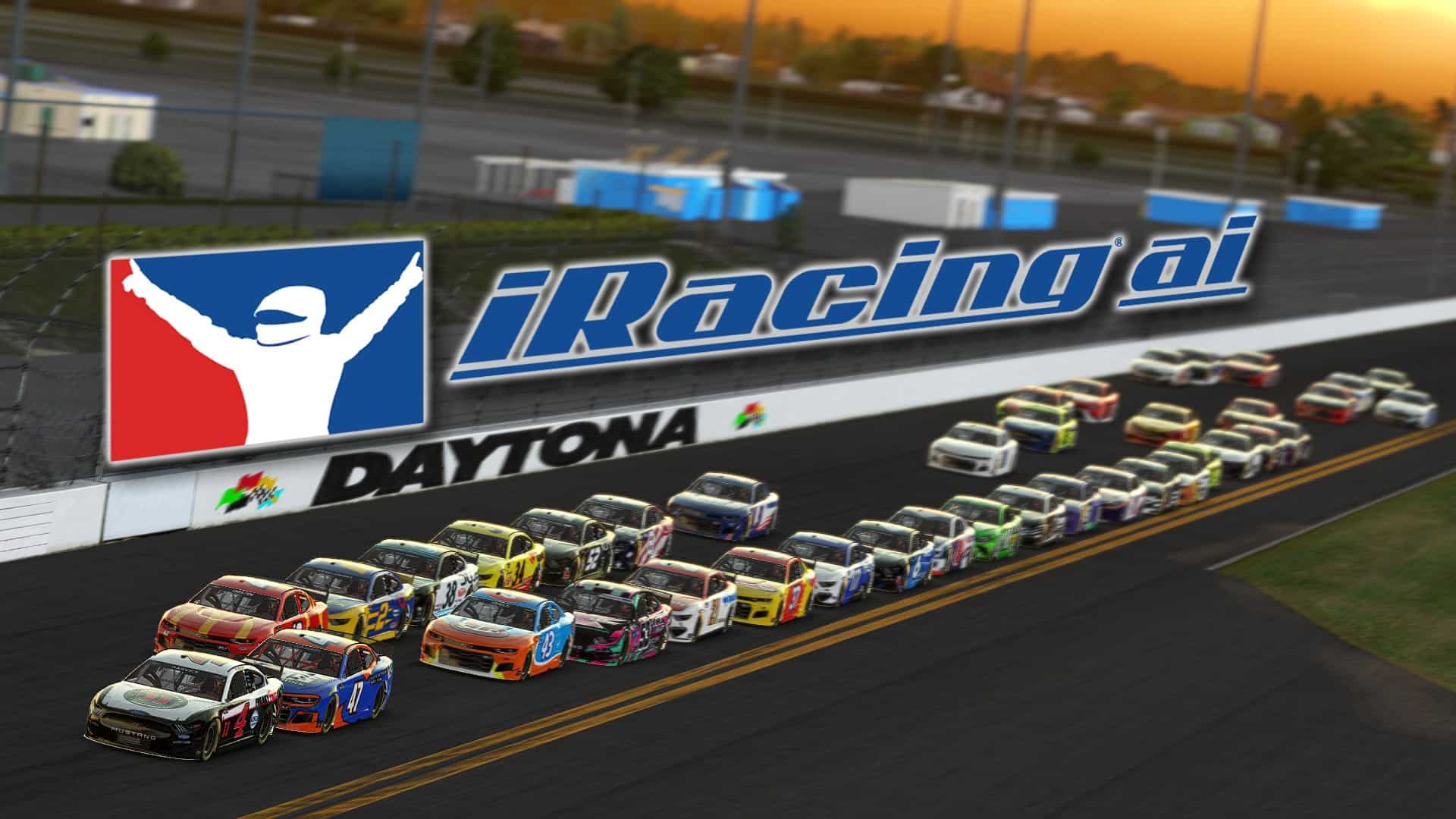
Back when iRacing launched in 2008, everyone knew it as a spiritual successor to the final Papyrus game, NASCAR Racing 2003 Season. Well, NR2003 had a big community centered around the offline mode where players could go up against AI drivers. When iRacing kicked off their initial run, it was online multiplayer or single-player practice only, no AI drivers.
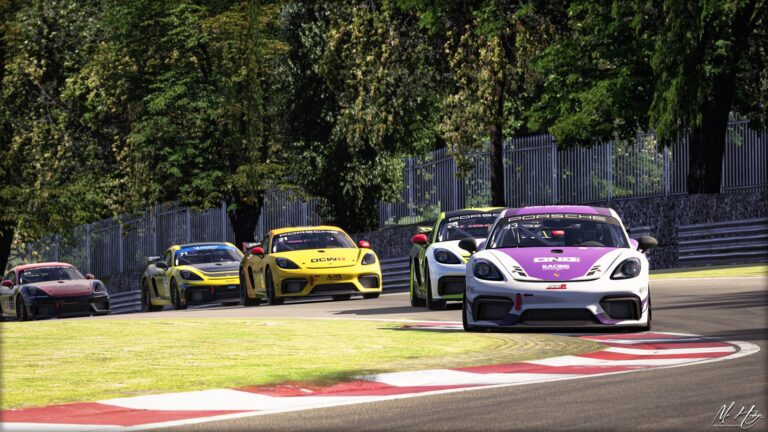
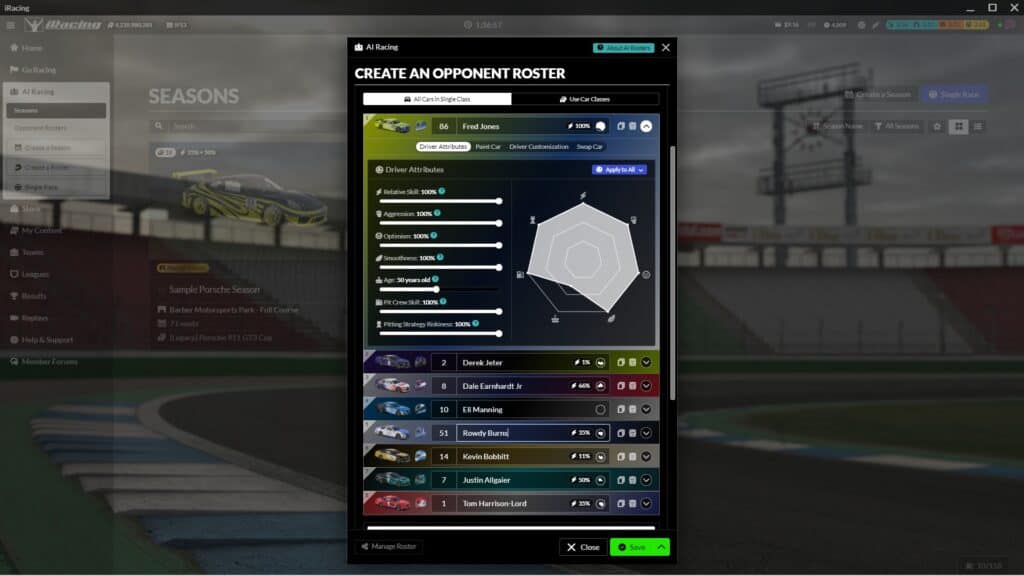
Nowadays, iRacing members can enjoy artificial intelligence races as AI Racing was added at the end of 2019, just in time for the 2020 iRacing Season 1 build. It started off small, with just one car, the Porsche 911 GT3 Cup (991) and seven tracks to drive on, including configurations for the Nurburgring, Lime Rock Park, Road America and Watkins Glen.
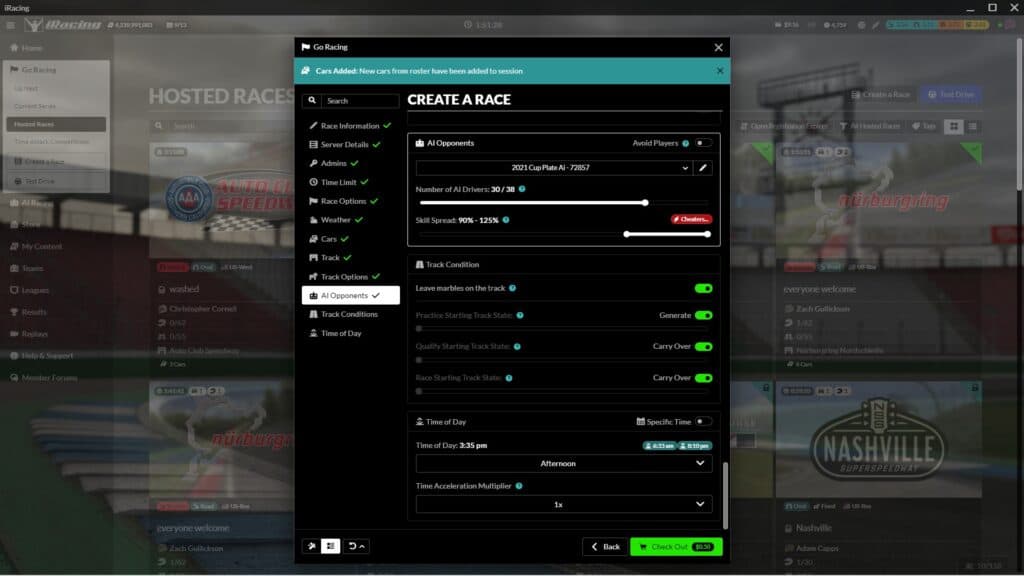
As it stands, following the build for 2022 iRacing Season 3, 46 cars and 66 tracks, some with multiple configurations, are currently available to race on iRacing with AI drivers. Here’s a quick breakdown of what to expect if you want to try iRacing AI.
iRacing’s AI-enabled cars
- Acura ARX-06 GTP
- ARCA Menards Chevrolet Impala
- Aston Martin DBR9 GT1
- Aston Martin Vantage GT4
- Audi 90 GTO
- Audi R8 LMS
- Audi RS3 LMS TCR
- BMW M Hybrid V8
- BMW M4 GT3
- BMW M4 GT4
- BMW M8 GTE
- Cadillac CTS-V Racecar
- Cadillac V-Series.R GTP
- Chevrolet Corvette C6.R GT1
- Chevrolet Corvette C8.R GTE
- Dallara F3
- Dallara IR18
- Dallara P217
- Ferrari 296 GT3
- Ferrari 488 GT3 Evo 2020
- Ferrari 488 GTE
- Ford Mustang FR500S
- Ford GT GT2
- Ford GT GT3
- Ford GTE
- Formula Vee
- Global Mazda MX-5 Cup
- Honda Civic Type R
- Hyundai Elantra N TC
- Hyundai Veloster N TC
- Indy Pro 2000 PM-18
- iRacing Formula iR-04
- Kia Optima
- Lamborghini Huracán GT3 EVO
- Late Model Stock
- Legends Ford ’34 Coupe
- Legends Ford ’34 Coupe – Rookie
- Ligier JS P320
- Lotus 49
- Lotus 79
- Mercedes-AMG GT3
- Mercedes-AMG GT3 2020
- Mercedes-AMG GT4
- Mercedes-AMG F1 W12 E Performance
- Mercedes-AMG W13 E Performance
- McLaren MP4-12C GT3
- McLaren 570s GT4
- Modified – SK
- NASCAR Gen 4 Cup
- NASCAR NextGen Toyota Camry
- NASCAR NextGen Ford Mustang
- NASCAR NextGen Chevrolet Camaro ZL1
- NASCAR Camping World Chevrolet Silverado
- NASCAR Camping World Ford F150
- NASCAR Camping World Toyota Tundra
- NASCAR Classic Buick LeSabre – 1987
- NASCAR Classic Chevrolet Monte Carlo – 1987
- NASCAR Classic Ford Thunderbird – 1987
- NASCAR Classic Pontiac Grand Prix – 1987
- NASCAR Cup Series Chevrolet Camaro ZL1
- NASCAR Cup Series Ford Mustang
- NASCAR Cup Series Toyota Camry
- NASCAR Whelen Tour Modified
- NASCAR Xfinity Chevrolet Camaro
- NASCAR Xfinity Ford Mustang
- NASCAR Xfinity Toyota Supra
- Nissan GTP ZX-T
- Porsche 718 Cayman GT4 Clubsport MR
- Porsche 911 GT3 Cup (992)
- Porsche 911 GT3 R (992)
- Porsche 911 GT3 R
- Porsche 911 RSR
- Porsche 963 GTP
- Radical SR10
- Ray FF1600
- Renault Clio R.S. V
- SCCA Spec Racer Ford
- Skip Barber Formula 2000
- Stock Car Pro Series Chevrolet Cruze
- Stock Car Pro Series Toyota Corolla
- Street Stock
- Super Late Model
- Supercars Ford Mustang GT
- Supercars Holden ZB Commodore
- Super Formula SF23 – Toyota
- Toyota GR86
- USF 2000
- VW Jetta TDI Cup
- [Legacy] Ferrari 488 GT3
- [Legacy] Porsche 911 GT3 Cup 991
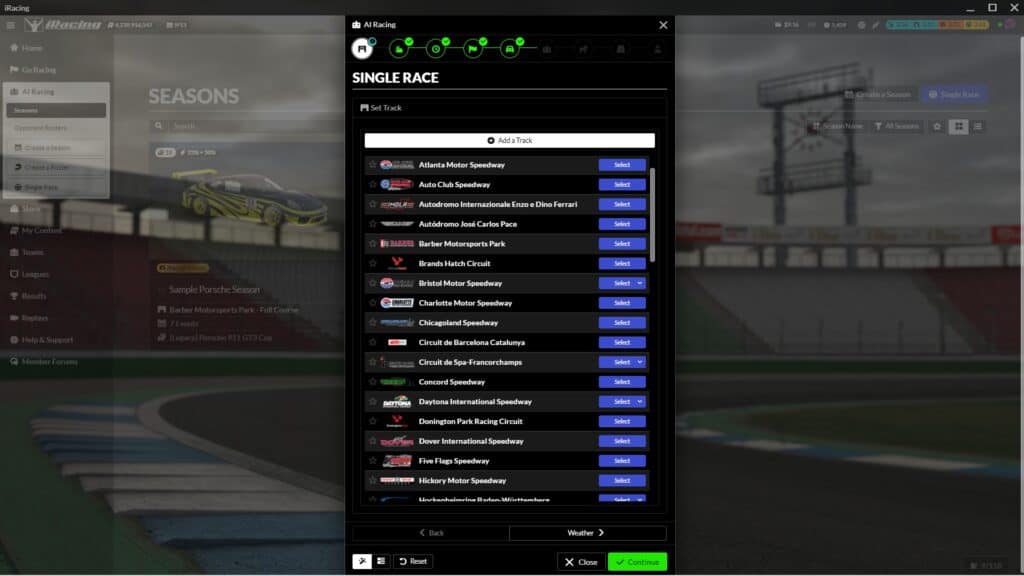
iRacing’s AI-enabled tracks
- Atlanta Motor Speedway – Oval, Legends Oval – 2008
- Auto Club Speedway – Oval
- Autodromo Internazionale Enzo e Dino Ferrari – Grand Prix
- Autódromo José Carlos Pace – Grand Prix, Moto
- Autodromo Nazionale Monza – Grand Prix, GP without chicanes, GP without first chicane, Junior
- Barber Motorsports Park- Full Course, Short A
- Brands Hatch Circuit- Grand Prix, Indy
- Bristol Motor Speedway – Dual Pit Roads, Single Pit Road
- Canadian Tire Motorsports Park
- Charlotte Motor Speedway – 2018 – Legends RC Long, Legends RC Medium, Legends RC Short, Oval, Roval, Roval, Roval Long, Legends Oval
- Chicagoland Speedway
- Chicago Street Course – ALL Configs
- Circuit des 24 Heures du Mans (both configs)
- Circuit de Barcelona Catalunya – Grand Prix, National, Club, Historic, Moto
- Circuito de Jerez – Ángel Nieto – ALL Configs
- Circuit de Lédenon
- Circuit de Nevers Magny-Cours
- Circuit de Spa-Francorchamps – ALL Configs
- Circuit Gilles Villeneuve
- Circuit of the Americas – ALL Configs
- Circuit Park Zandvoort – ALL Configs
- Circuit Zolder – ALL Configs
- Concord Speedway
- Darlington Raceway
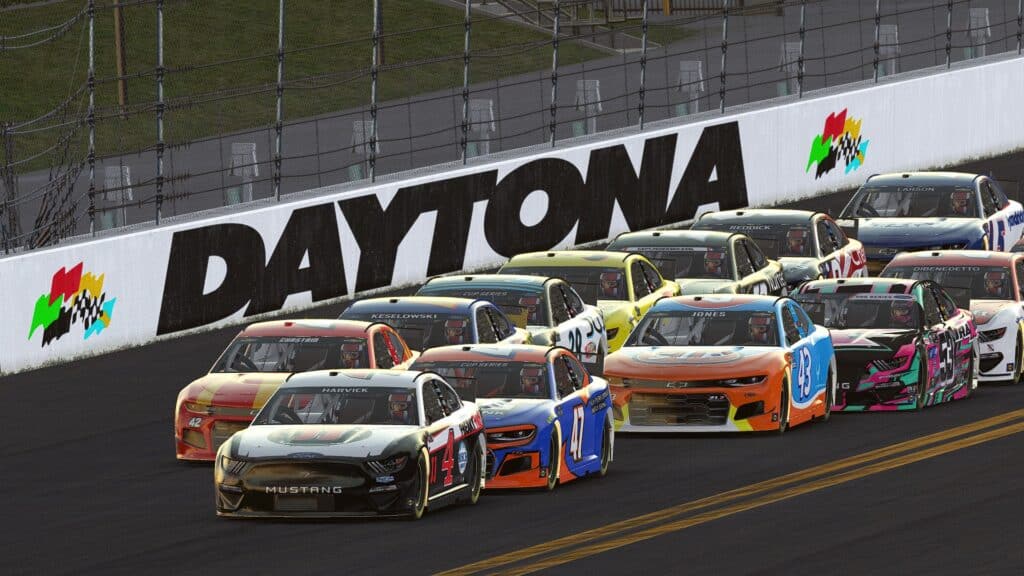
- Daytona International Speedway – Oval, Road Course, 2008 Oval, 2008 Road Course
- Detroit Grand Prix at Belle Isle
- Donington Park Racing Circuit – Grand Prix, National
- Dover International Speedway
- Five Flags Speedway
- Fuji International Speedway – Grand Prix, No Chicane
- Hickory Motor Speedway
- Hockenheimring Baden-Württemberg – Grand Prix, National A, National B, Outer, Short A, Short B
- Homestead Miami Speedway – Oval, Open Wheel Oval
- Hungaroring Circuit
- Indianapolis Motor Speedway – Oval, Open Wheel Oval, Road Course
- Iowa Speedway – Oval, Infield Legends
- Irwindale Speedway – ALL Configs
- iRacing Superspeedway
- Kansas Speedway – Oval
- Kentucky Speedway – Oval
- Kern County Raceway Park – Asphalt Track, Legends
- Knockhill Racing Circuit – International, International Reverse, National, National Reverse
- Langley Speedway
- Lanier National Speedway – Asphalt
- Las Vegas Motor Speedway – Oval, Legends Oval
- Lime Rock Park – ALL Configs
- Long Beach Street Circuit
- Los Angeles Memorial Coliseum
- Lucas Oil Raceway – Oval
- Martinsville Speedway
- Michigan International Speedway
- Mid-Ohio Sports Car Course – Full Course
- MotorLand Aragón – ALL Configs
- Motorsport Arena Oschersleben (all four configs)
- Mount Panorama Circuit
- Myrtle Beach Speedway
- Nashville Fairgrounds Speedway – ALL Configs
- Nashville Superspeedway
- New Hampshire Motor Speedway – Oval, Road Course with South Oval
- New Smyrna Speedway
- North Wilkesboro Speedway
- Nürburgring Combined – Gesamtstrecke 24h, Short w/out Arena, VLN, Long
- Nürburgring Grand-Prix-Strecke – Grand Prix, BES/WEC, Grand Prix w/out Arena, Kurzanbindung w/out Arena, Sprintstrecke
- Nürburgring Nordschleife – Industriefahrten
- Okayama International Circuit- ALL Configs
- Oran Park – Grand Prix, Moto, North, North A, South
- Oulton Park Circuit – ALL Configs
- Oxford Plains Speedway
- Phillip Island Circuit
- Phoenix Raceway – ALL Configs
- Pocono Raceway
- Red Bull Ring – ALL Configs
- Richmond Raceway
- Road America – Full Course, Bend
- Road Atlanta – ALL Configs
- Rockingham Speedway – Oval
- Rudskogen Motorsenter
- Sandown International Motor Raceway
- Sebring International Raceway – International, Club
- Silverstone Circuit – Grand Prix
- Snetterton Circuit – 200, 300
- Sonoma Raceway – Cup, Cup Historic, Open Wheel 2008-2011, Open Wheel 2012-2018, and Open Wheel pre-2008
- South Boston Speedway
- Southern National Motorsports Park
- Stafford Motor Speedway – Full Course
- Summit Point Raceway – Summit Point Raceway, Jefferson Circuit, Jefferson Reverse, Short
- Suzuka International Racing Course – ALL Configs
- Talladega Superspeedway
- Texas Motor Speedway – Oval, Legends Oval
- The Bullring – Oval
- The Milwaukee Mile
- Thompson Speedway Motorsports Park
- Tsukuba Circuit – ALL Configs
- Twin Ring Motegi – ALL Configs
- USA International Speedway – Asphalt
- Virginia International Raceway – ALL Configs
- Watkins Glen International – ALL Configs
- WeatherTech Raceway at Laguna Seca – Full Course
- Willow Springs International Raceway
- Winton Motor Raceway – ALL Configs
- World Wide Technology Raceway – Oval
- [Legacy] Charlotte Motor Speedway – 2008 – Legends Oval
- [Legacy] Kentucky Speedway – 2011 – Oval, Legends Oval
- [Legacy] Silverstone Circuit – 2008 – ALL Configs
- [Legacy] Texas Motor Speedway – 2009 – Legends Oval
Discussion