







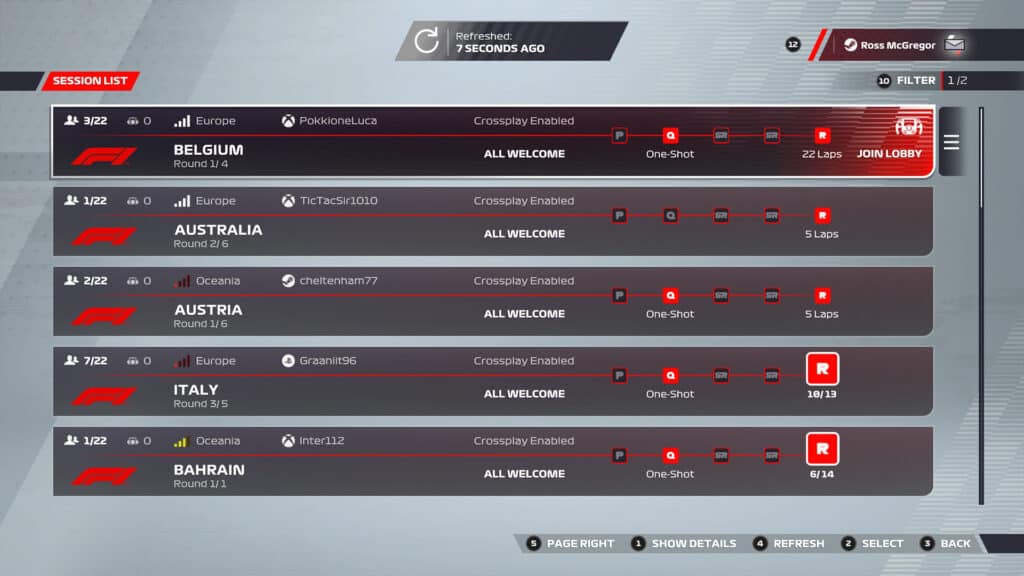
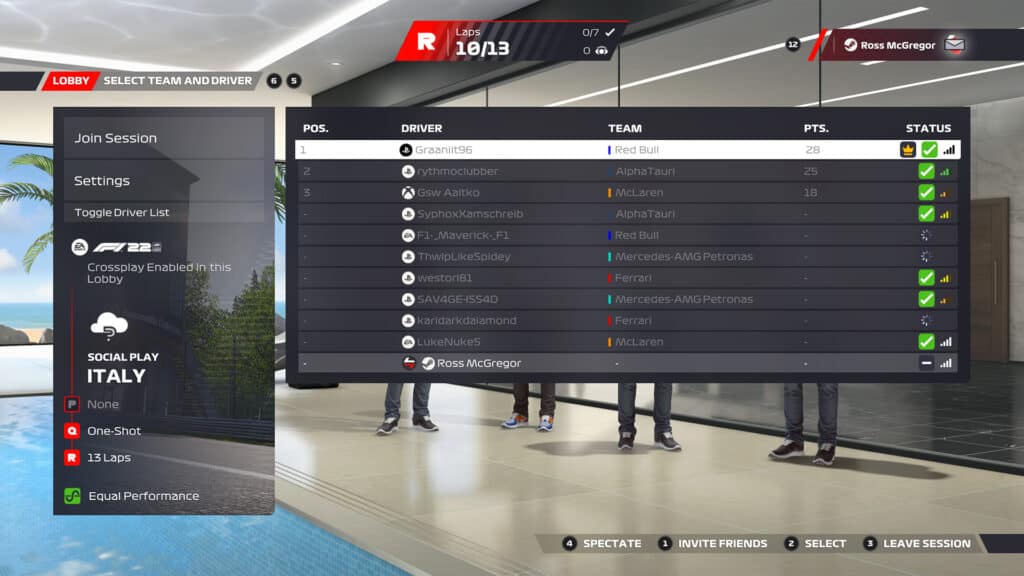
Cross-platform mutliplayer has been introduced into EA Sports’ F1 22, so it’s now possible for PlayStation, Xbox and PC players to share the track in Social Races and the online Two-Player Career modes.
We talk you through how to enable crossplay in F1 22’s options menu and what it looks like in practical terms.
How to enable F1 22 cross-play
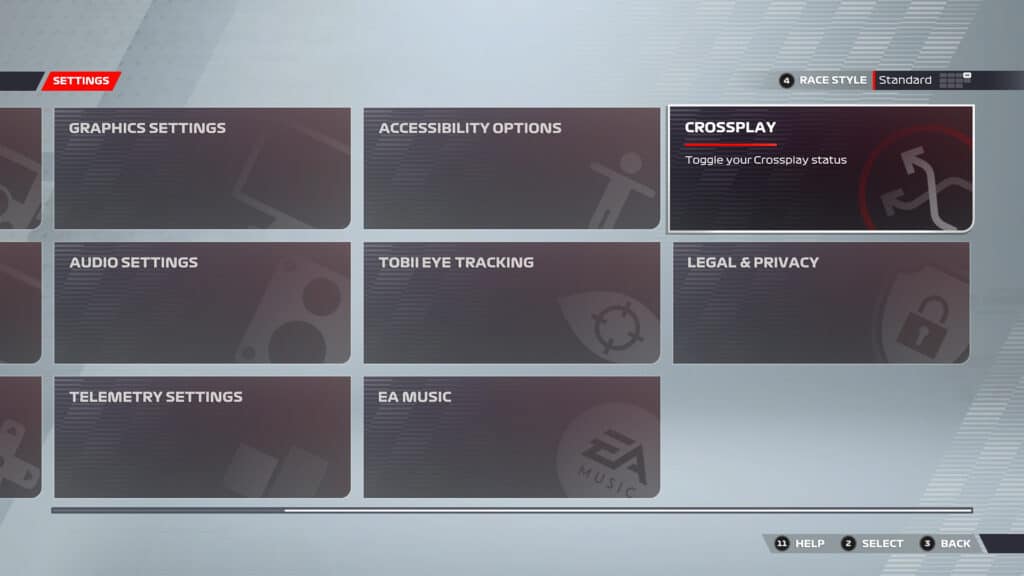
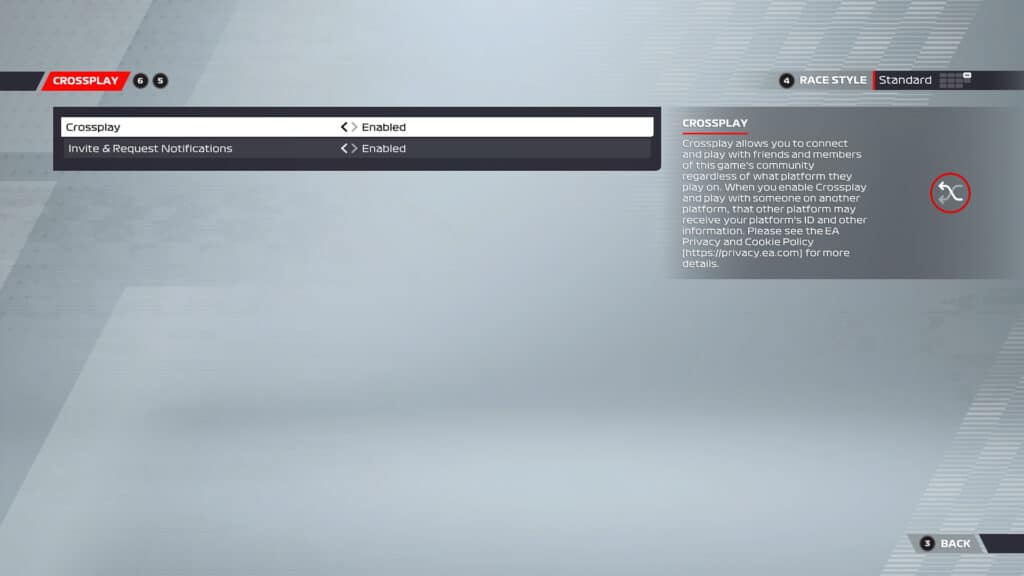
To enable cross-play, head to the Settings menu and select Crossplay. Here, there are two options: Crossplay and Invite & Request Notifications. To enable cross-play, simply set the first option to ‘enabled’.
To ensure you can send and receive invite notifications for online races to and from players on different platforms, again, set the second option to ‘enabled’.







Discussion