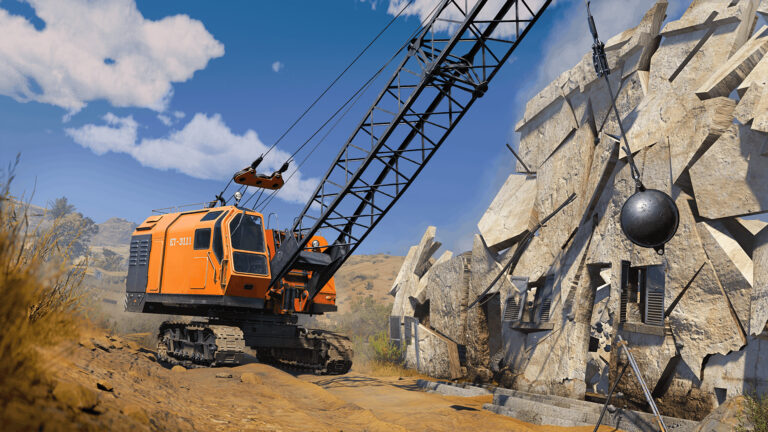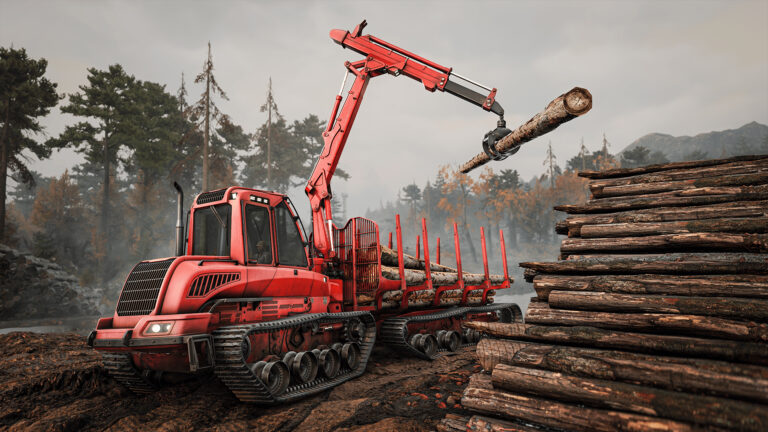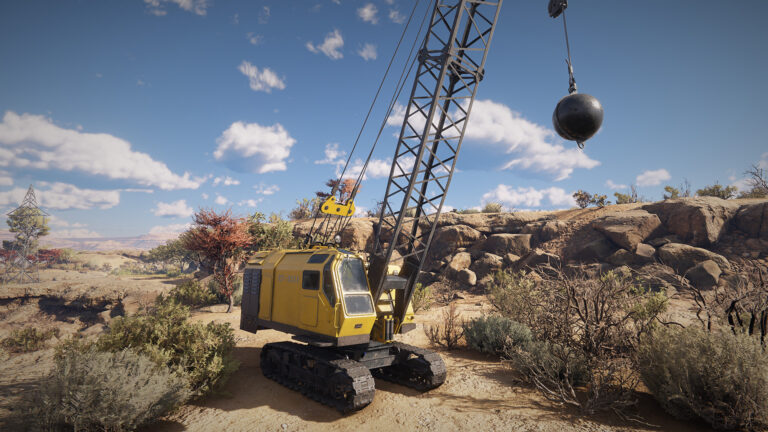
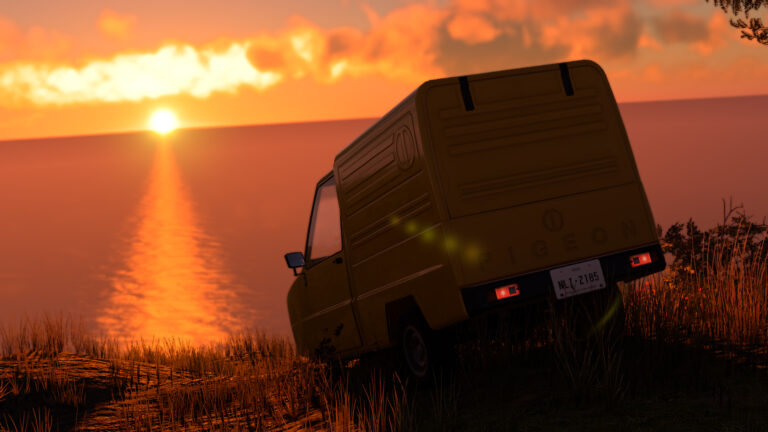




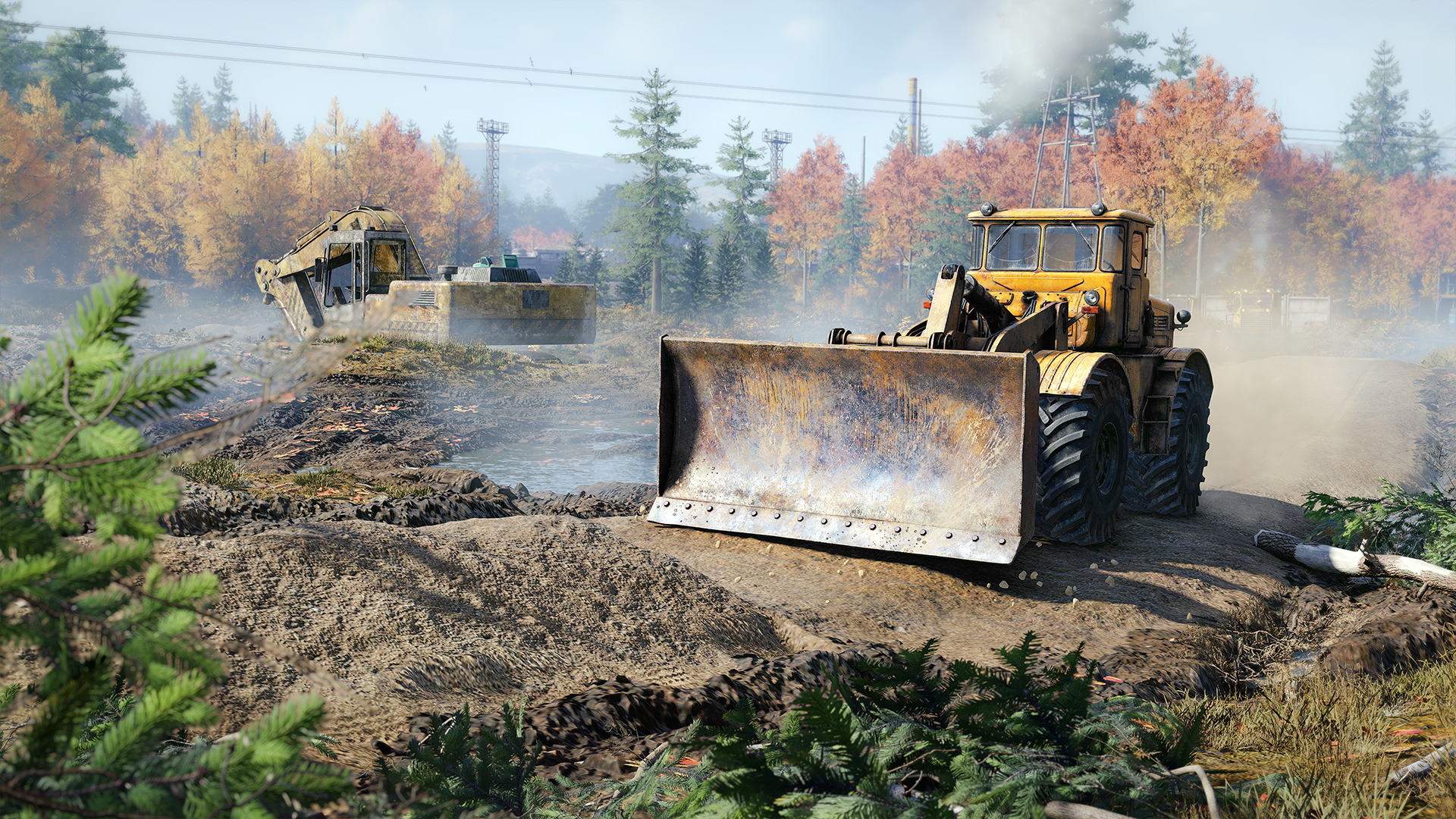
Update 4 has been launched for heavy plant simulator RoadCraft, bringing a series of ‘advanced difficulty options’ to the game.
The main features of the new ‘options ‘hard mode’ are undoubtedly the addition of fuel management and manual gearboxes, providing a much more realistic and challenging driving experience. These have been much-requested by the RoadCraft community and bring the game more in line with its successful progenitor, SnowRunner.
Convoys are also much trickier to organise, as AI-controlled vehicles will deform all mud and asphalt paths over time, requiring players to constantly maintain their road network. The game’s economy has been tightened up, too, for those looking for a brutally realistic experience. The full gamut of advanced difficulty options can be seen in the changelog below.
In terms of vehicles, the Wayfarer ST7050 fuel truck variant has been added to the game, with the Rebuild Expansion DLC also released (from 6 pm BST today, 4th September 2025), adding two more maps and five new vehicles.
Tuz 119 “Mutt” Rusty Scout (please note that this truck must be unlocked through a mission on Contamination)
DLC – Added 2 Maps
Contamination
Wash Out
FREE – Added New Vehicles Variants
Wayfarer ST7050 Fuel Truck
FREE – Added Difficulty Modifiers (Hardmode)
As promised a few months ago, we added different difficulty modifiers to spice up your experience!
When starting a new save, you’ll have the opportunity to customise your game by adding fuel management, economy modifiers and more. Don’t hesitate to start a new save with these modifiers enabled.
Limited Fuel
Convoy Difficulty
Fewer Convoys
Gearbox
Bridge Costs
Economy Modifiers
Realistic Quarry Zones
Recovery Rules
Vehicle Cost
Fixes & Improvements
General
Fixes for multiple random crashes and general stability improvements
Minor performance optimisations
Minor save system optimisations
Localisation issues
Added: 4 HUD modes in Settings
UI/UX
Fixed: “Interaction” button no longer appears gray in the Details window
Fixed: “Start/stop engine” button icon no longer persists incorrectly
Fixed: Balance replenishment animation now properly plays in the garage tab after selling vehicles
Fixed: Selector no longer disappears when switching diagonally to a cell with two vehicles
Fixed: Profile data now displays correctly in the garage Details window.
Fixed: Crane control tutorial now displays in the correct language based on game settings.
Fixed: Session opening no longer fails if the player switches to the Permissions window during the process
Fixed: Loading animation no longer remains stuck in the Pause Menu after exiting multiplayer window
Fixed: Gamepad’s “Delete point” button in AI route editing is now correctly marked as active.
Fixed: Resolved issue where scene restart forced AI routing cursor instead of default
Fixed: Canceling company customisation now returns the player to the previous screen instead of reopening customisation
Fixed: AI route points can now be placed close to UI elements without placement issues
Fixed: Client selection action menu now disappears as expected after use
Added: Route markers
Render
Fixed a bug with trees twitching during the rain
Fixed a bug with flickering branches
Fixed a bug with tiled terrain after reentering to the map
Fixed a bug where the target display changes after switching to windowed mode
Fixed a bug with square water VFX
Fixed an issue where terrain deforms when vehicles pass nearby
Discussion
0 Comments
Join the discussion
Join Traxion.gg to start discussing with members.
Already a member? Sign in