Test Drive Unlimited Solar Crown’s latest update has been released today, 10th February 2026, and while it may not include a long list of fixes or new features, it does include what is touted as significant improvements.
Principally, these are to visual fidelity and performance, hopefully resulting in a smoother experience, in particular for those on PlayStation 5 and Xbox Series X|S.
In writing, these aren’t particularly exciting changes. For instance, the patch notes begin with ‘optimised vegetation culling’. I’m pretty sure this isn’t the most requested feature alone.
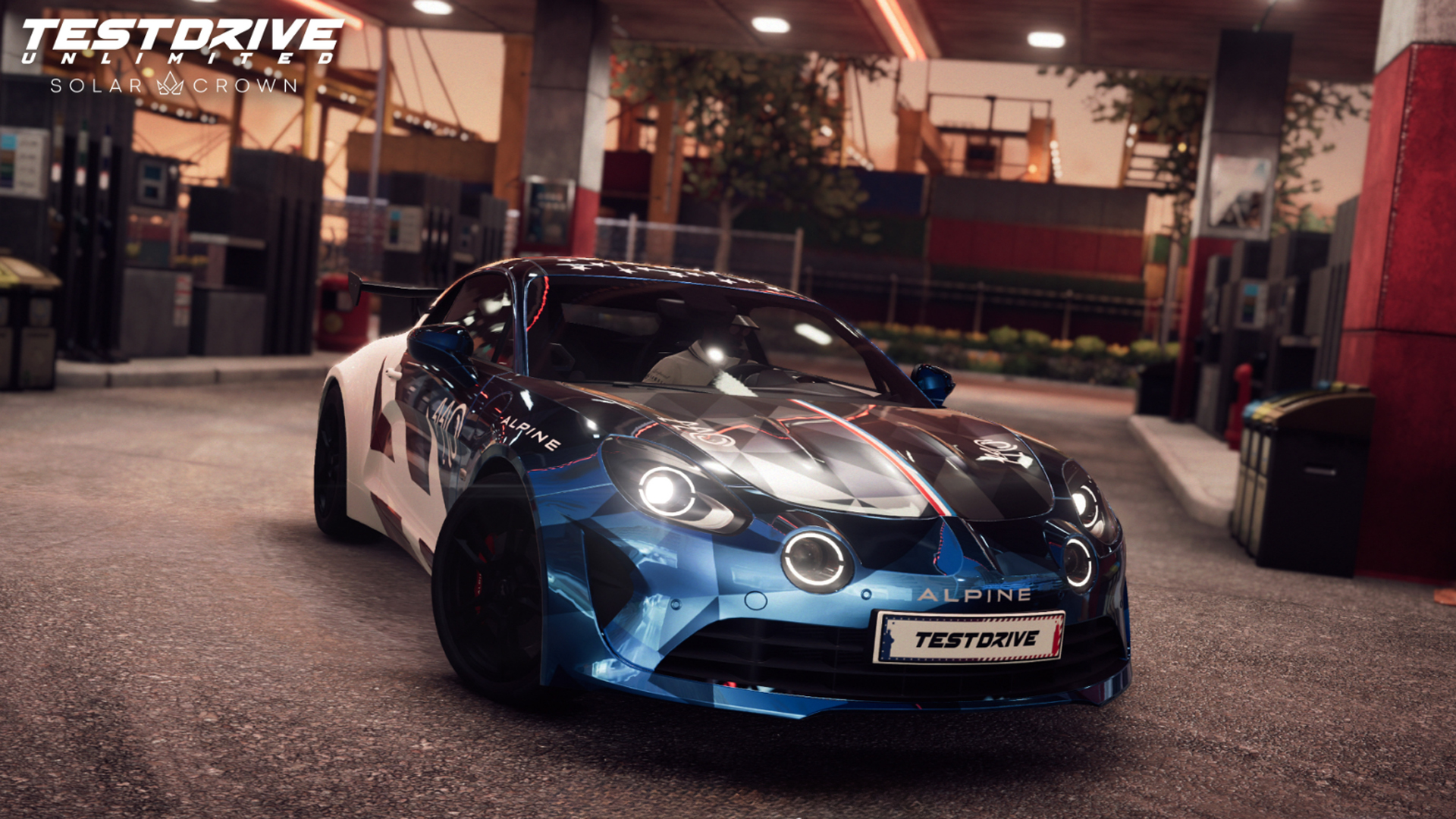
But… when combined with refined vehicle shadows, optimised memory usage, fixes for multiplayer crashes and “improved AI physics” when they slide sideways, it should make a collective difference.
For those aforementioned console players, a potentially significant change is ‘improved’ dynamic resolution. In simple terms, the overall resolution can change during gameplay in order to hit the targeted frames per second. Theoretically, then, you may have dips in pixels – that shouldn’t be too noticeable – to help achieve more stable fps.
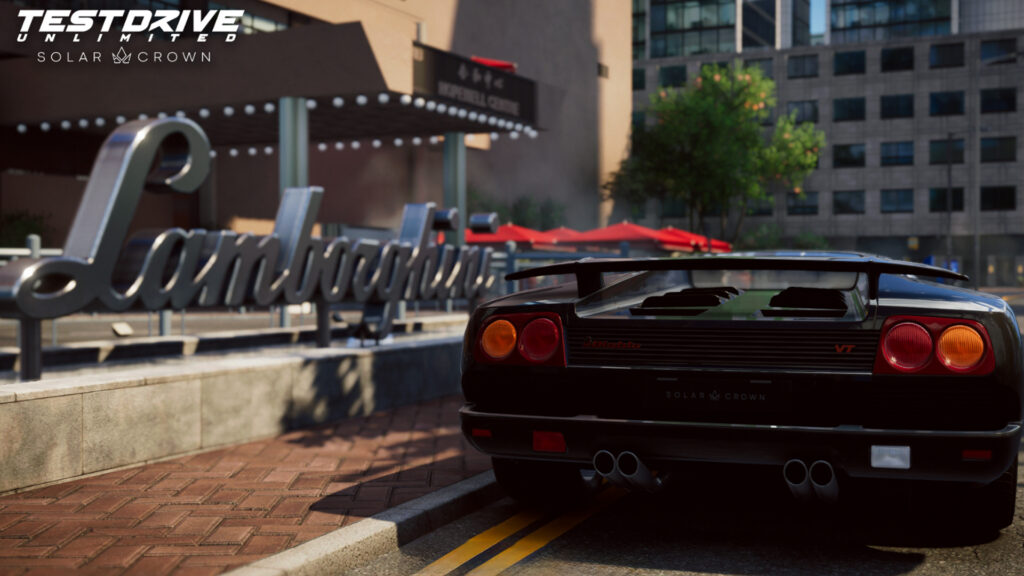
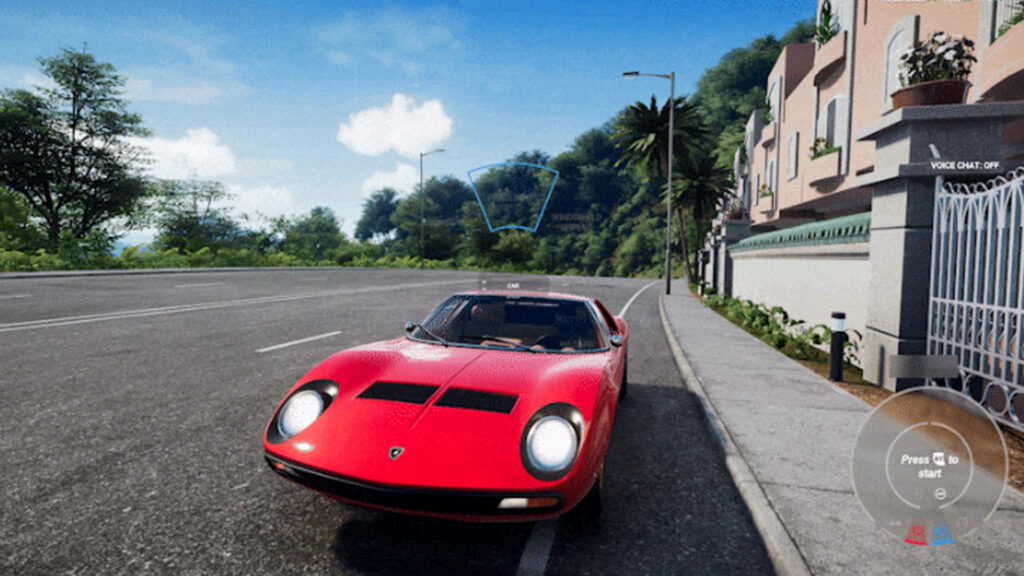
Elsewhere, there are revised Bugatti Chiron wing animations and the Lamborghini Miura’s headlights now correctly tilt upwards upon a flash. Minor changes to steering wheel animations and Logitech wheel support have also been implemented.
Test Drive Unlimited Solar Crown Season 5 Update 2 patch notes
General Fixes & Improvements
Optimised vegetation culling
Optimised cost of traffic spawn
Optimised vehicle shadow LODs
Optimised memory usage
Fixed onboarding restarting on save with several hundred hours
Fixed performance issue with Logitech wheels
Fixed multiplayer crash in workshop and race lobby
Fixed game crash when leaving the lobby
Fixed crash when browsing in the online store when the player doesn’t own any vehicle
Fixed cars falling out of the world if the ‘return to road’ option was used on small objects like bumpers
Fixed cases where changing vehicle driving mode in a stock live event lobby would prevent players from using that car in the event
Fixed points of interaction not appearing anymore after two players interacted with the same one exactly at the same time
Fixed incorrect car displaying in the pause menu during onboarding
Fixed missing roads on worldmap
Fixed FRIM not ending when colliding with specific assets
Fixed wrong weather and surface announced in some race preview panels
Fixed an issue where avatar and NPC were facing back to the camera when failing a taxi contract
Fixed several cases of animation not playing during Poker
Fixed cases when NPCs were clipping with the couch they’re seated on
Fixed various clothes clipping with the player’s avatar
Fixed ‘Processing Request’ pop-up persisting on the item’s purchase screen
Fixed little black boxes sometimes appearing during navigation races
Fixed AR of some gas station not removed when corresponding setting is off
Fixed the Personalized Outfits in the wardrobe displays the saved outfits from a different account instead of the character from the current account
Fixed the character model’s hairstyle appears as ‘Shaved Head’ in the wardrobe after switching from the ‘The Chauffeur’ and ‘1% President’ outfits
Fixed the player is able to drive underneath buildings in ‘Dalt Villa’ district ‘Ibiza’ due to missing ground assets
Bohemian outfit corrections
Boater hat, Crocodile coat and PUMA clothes geometry corrections
Fixed POI disappearing when trying a world interact at the same time as another player
Fixed and improved the Alyss Hot Head and other event call outs
Fixed traffic lights not working in Causeway Bay
Improved AI physics so that drifts looks more natural
Vehicle Fixes/Improvements
Exclude turbo upgrade of Dodge Challenger SRT Hellcat
Fixed Audi E-Tron dashboard not changing gears
Fixed Lamborghini Miura headlight animation
Fixed Bugatti Chiron wing animations (for all versions)
Steering Wheels
Fixed a performance issue for Logitech G920 wheels
FIxed wheel angle not being correct for some wheels
Now non-SDK wheels (others than Thrustmaster Fanatec, Logitech) will find the wheel angle slider in options menu grey out and unusable. But can be managed through each constructor steering wheel app.
Fixed a crash with some non-Trueforce Logitech wheels
Fixed steering wheel animation in cockpit view when switching from steering wheel to pad or keyboard input (like driving with a steering wheel and using a button to put turn indicator)
Note:Is my old PC, PS3, or Xbox One racing wheel model compatible with TDUSC?
Some older Logitech, Thrustmaster, or Fanatec models are no longer supported by the SDK provided to us each year by the technical support teams of racing wheel manufacturers. If you encounter problems with models dating back to the PS3-Xbox One era or earlier, please use the following solution:
Go to UserSettings.cfg located in C:\Users\YourUserName\Documents\My Games\Test Drive Unlimited Solar Crown and set Engine.Input.EnableNaconSDK = true; to false.
This will allow your machine to enable DirectInput, the standardized API that will ensure the most basic controls of your steering wheel work.
Also, make sure you have installed the software provided by the manufacturers (Logitech G Hub; Fanatec Driver; Thrustmaster Drive; Moza Pit House, etc.) in order to configure your settings and update the steering wheel’s firmware and drivers.
Example: the Logitech G27 is no longer supported by the Logitech SDK and now uses the DirectInput system for basic commands, but you can continue to use Logitech G Hub to configure your settings.
Let us know if you have any further issues with your wheel after this update!
PC
Enabled multiple controllers at the same time.
Move dynamic probe from high to ultra in “SSR” option
Fixed players gaining an unfair time advantage through alt-tab while in-game
PS5
Removed HDR black point and white point options on consoles to directly use console parameters.
Improved dynamic resolution
Xbox Series
Removed HDR black point and white point options on consoles to directly use console parameters.
Fixed game returning to main menu when using a secondary controller after disconnecting the primary one.

Discussion