




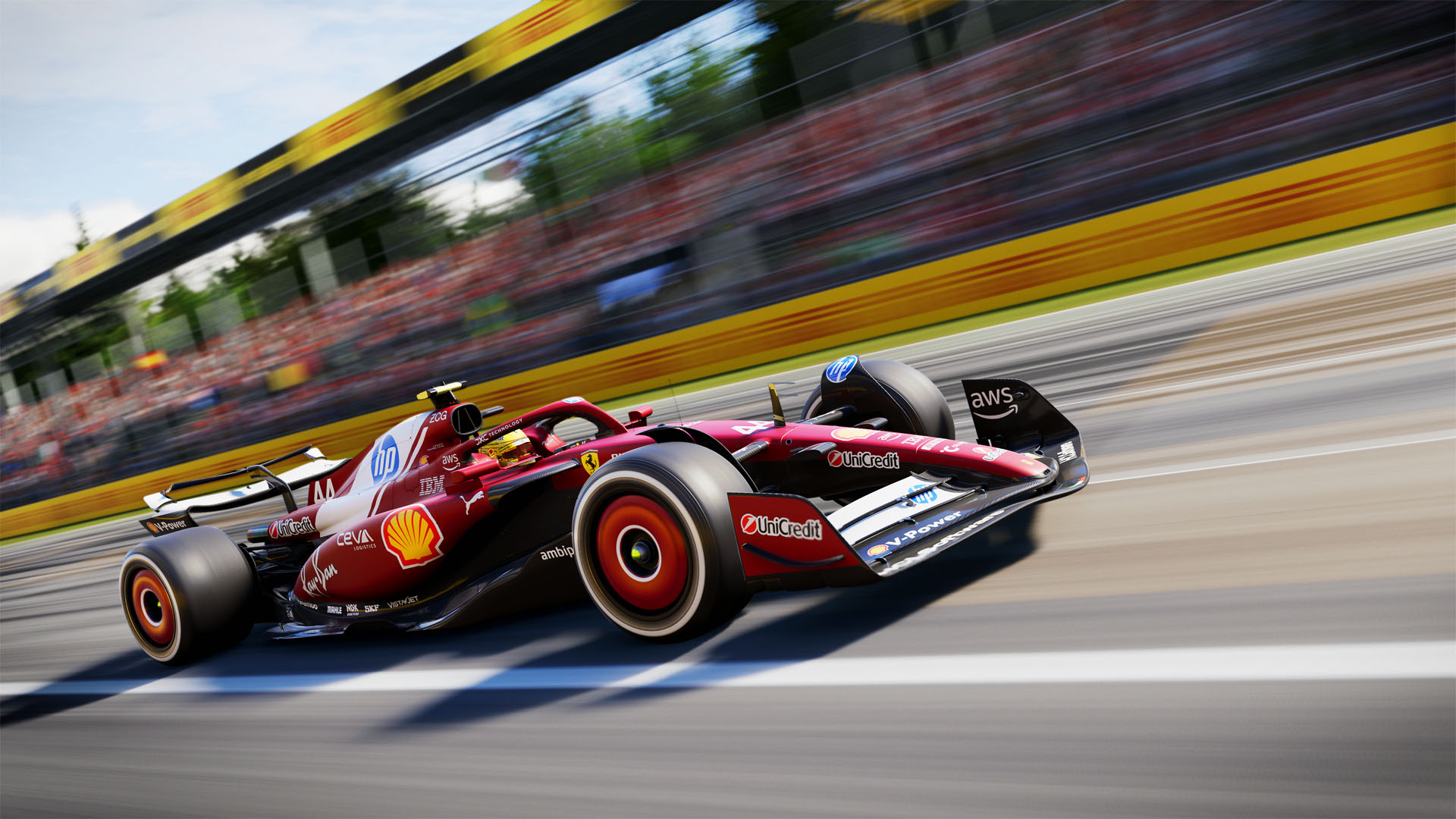
F1 25 is out now, and hundreds of thousands of Formula 1 fans are flocking to Codemasters’ solid recreation of top-line single-seater motorsport, eager for their annual fix of racing action.
Although the F1 games generally favour gamepad users, they still provide an enjoyably immersive experience with a steering wheel.
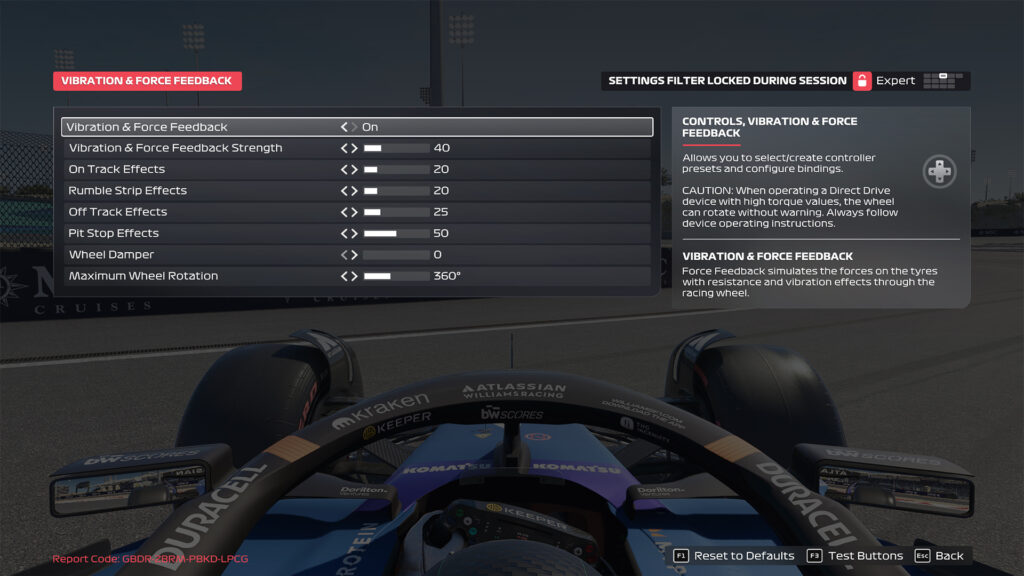
If you have a Moza wheelbase (I used the R12 wheelbase, combined with an FSR 2 steering wheel, for this article), check out our preferred settings for F1 25 below, including those in Pit House and in-game.
Moza Pit House settings for F1 25
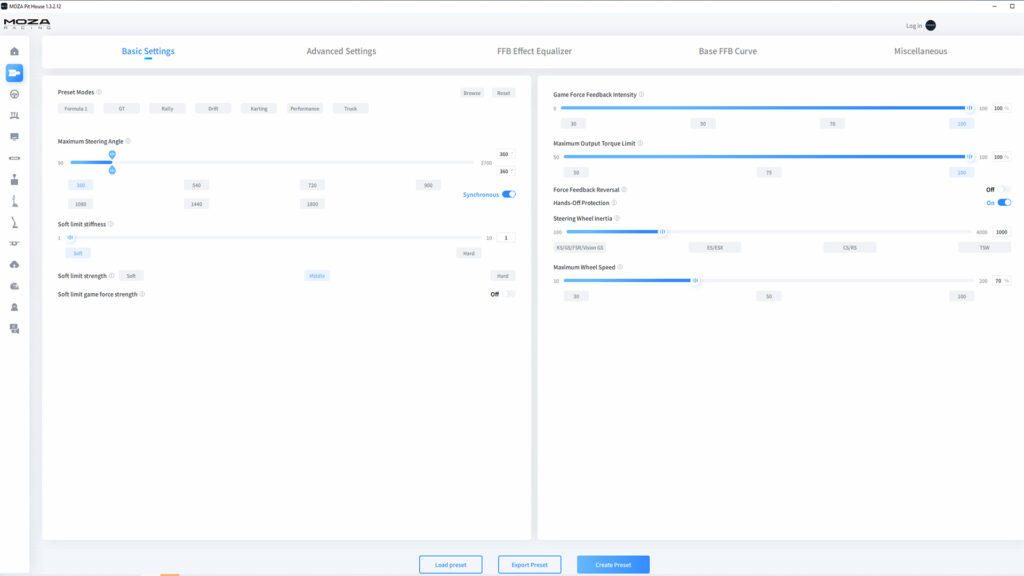
There are several settings you need to consider in Moza’s Pit House software for best results in F1 25. Although Moza has presets available for different racing disciplines, it’s worth dabbling with the minutiae of your wheelbase’s settings for best results.
For me, the biggest impact can be felt by altering inertia settings. Lowering ‘this to around 1000 ‘steering wheel inertia’ and ‘natural inertia’ will help the steering wheel feel more responsive and less draggy, helping you catch slides and snaps of oversteer – always a concern in a 1,000 bhp F1 car.
Check out the main Pit House settings for F1 25 below.



Discussion