
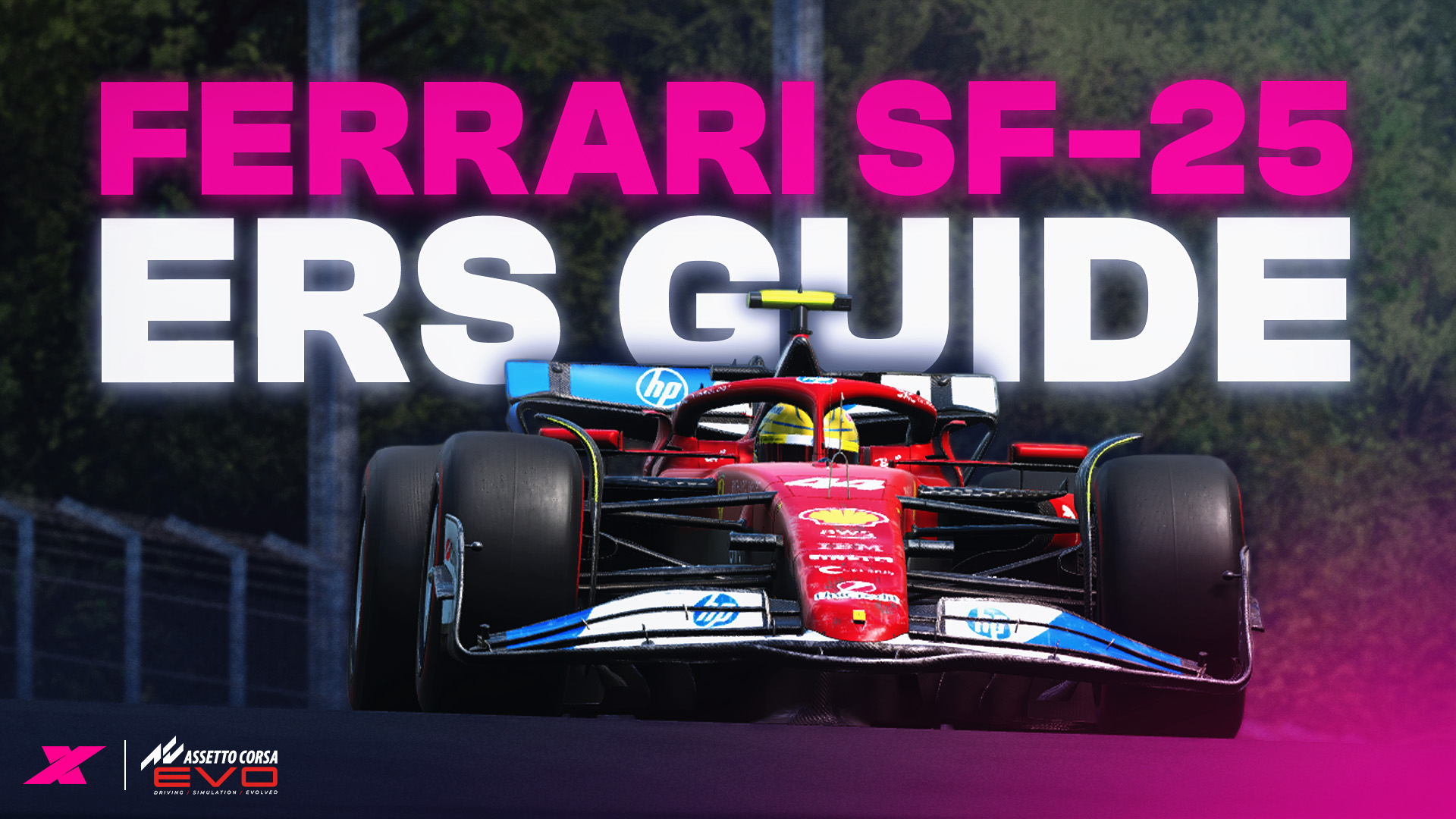
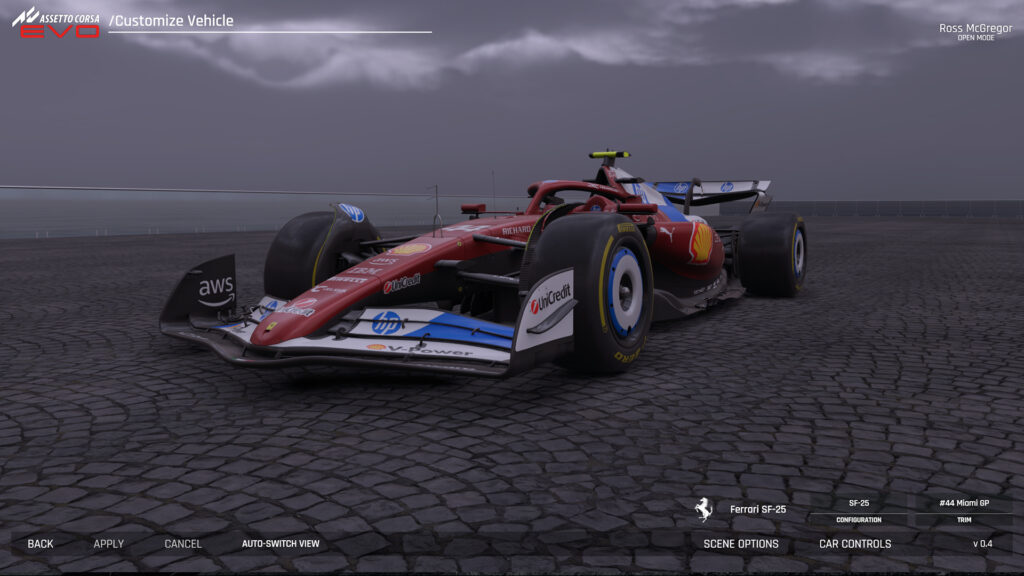
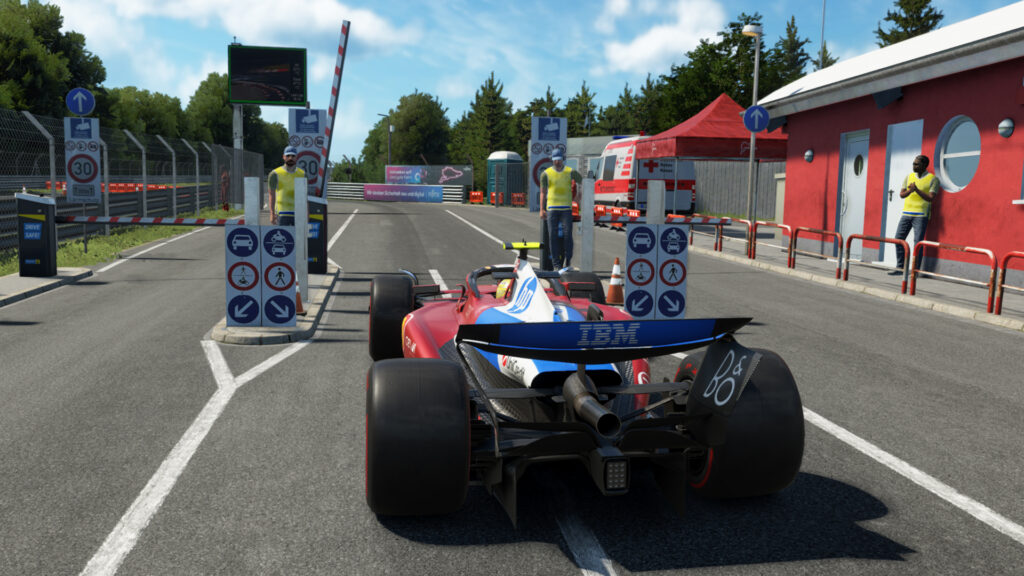
For many, the inclusion of the Ferrari SF-25 Formula 1 car is the most important car included in Assetto Corsa EVO’s v0.4 update.
Lewis Hamilton and Charles Leclerc’s car may not be setting the track alight this season, but its appearance in Kunos Simulazioni’s racing sim is the first time a 2025 F1 car has appeared officially across the genre.
With it, Kunos has implemented F1’s Energy Recovery System (ERS) hybrid ruleset, plus DRS and brake migration, giving players plenty of new tools to play around with.
As a result, we’ve collated a guide on its complicated systems and set-up options, explaining how the car’s hybrid system works and describing what effect your in-cockpit changes will make to its behaviour.
SF-25 in Assetto Corsa EVO: hybrid system explained
The hybrid system in the SF-25 is made up of three components.
- Battery: Where electrical energy is stored
- MGU-K: Recovers kinetic energy from the brakes and stores it as electrical energy in the battery. The MGU-K also deploys this energy through the rear wheels for a power boost.
- MGU-H: Recovers energy from exhaust gases to either be stored as electrical energy in the battery or used to spin the turbocharger, helping eliminate turbo lag and providing a boost in horsepower.
Of the car’s total 1,000 bhp output, around 160 bhp is allowed to be deployed by the MGU-K at any given moment, while output from the MGU-H is unlimited (more on the implications of this later).
Engine maps
There are 12 engine map presets to choose from in the SF-25. These are:
- Map 1: Full power and consumption, a linear throttle shape,
- Map 2: Full power, but has a more aggressive throttle shape.
- Map 3: Balanced race map, linear throttle shape
- Map 4: Balanced race map, aggressive throttle shape.
- Map 5: Lean race map, linear throttle shape
- Map 6: Lean race map, aggressive throttle shape
- Map 7: LiCo (lift and coast) map, low power and fuel consumption, linear throttle shape
- Map 8: LiCo map, low power and fuel consumption, progressive throttle shape
- Map 9: Battery charging map with full ICE power and high consumption, linear throttle map
- Map 10: Battery charging map with full ICE power and high consumption, aggressive throttle map
- Map 11: Wet map, full power and consumption, progressive throttle shape
- Map 12: Wet map, full power and consumption, progressive throttle shape, progressive power delivery
Electronic Brake Bias
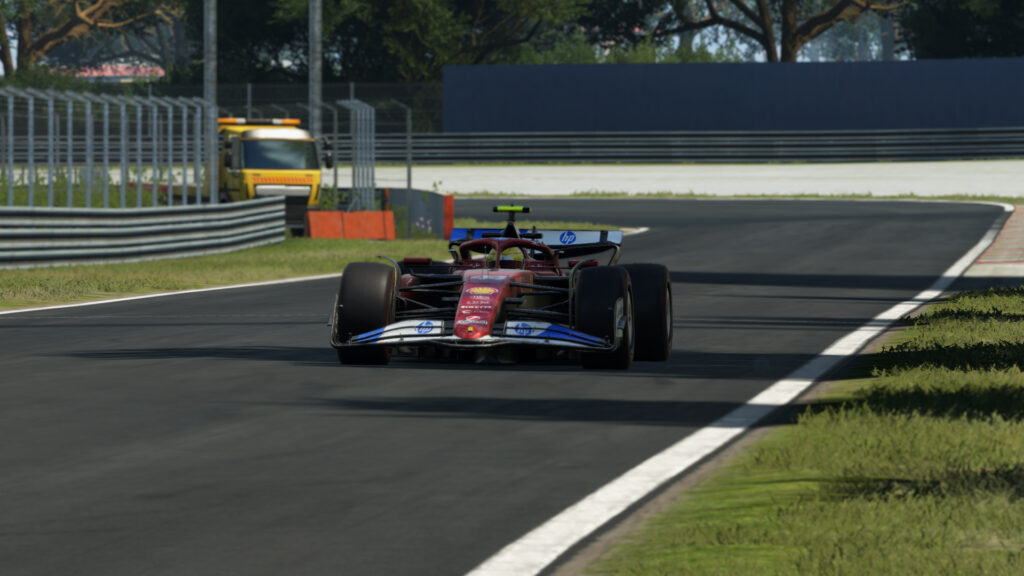
Electronic Brake Bias (EBB), also known as brake migration, actively changes the brake bias of the car when the brake pedal is pushed.
Essentially, this adds more forward bias, taking advantage of an F1 car’s tremendous downforce in braking zones to stop the car in a shorter distance. As the brake travel is reduced, so too is the forward brake bias, eventually returning to the car’s default brake bias value.
For example, starting with a brake bias of 55:45, at 100% pedal travel using EBB Map 3 (see below), the bias will be 59:41.
- Map 1: +0% forwards
- Map 2: +2%
- Map 3: +4%
- Map 4: +6%
- Map 5: +8%
The EBB Map can be changed to influence the car’s behaviour. For example, more forward bias is required on ERS Map 5, since the MGU-K is heavily harvesting energy to charge the battery across the rear axle.
Recharge level
This should remain at 100% to allow for the maximum amount of battery charging. Recharge level is also automatically adjusted when switching ERS maps.
ERS Maps
Six preset maps alter the harvesting and deployment functions of the car’s ERS system. These are:
- Map 1: Deploys stored electrical charge at maximum output from around 160kph, through all gears.
- Map 2: Deploys less and will target to keep 20% battery charge for potential “ERS Overtake’ button use.
- Map 3: Standard race map. Will deploy less than Map 2 and will target 40% battery charge. Starts harvesting in eighth gear.
- Map 4: Deploys all battery charge and suits lift and coast scenarios. In Eighth gear, it deploys maximum ERS to help save fuel at the end of a straight.
- Map 5: Used for charging. Very low battery deployment, aggressive coast charging. Combine with an EBB setting of 4 or 5 to counteract this.
- Map 6 is for wet weather and deploys similarly to Map 2, but at a higher speed when there’s enough grip.
ERS Overtake
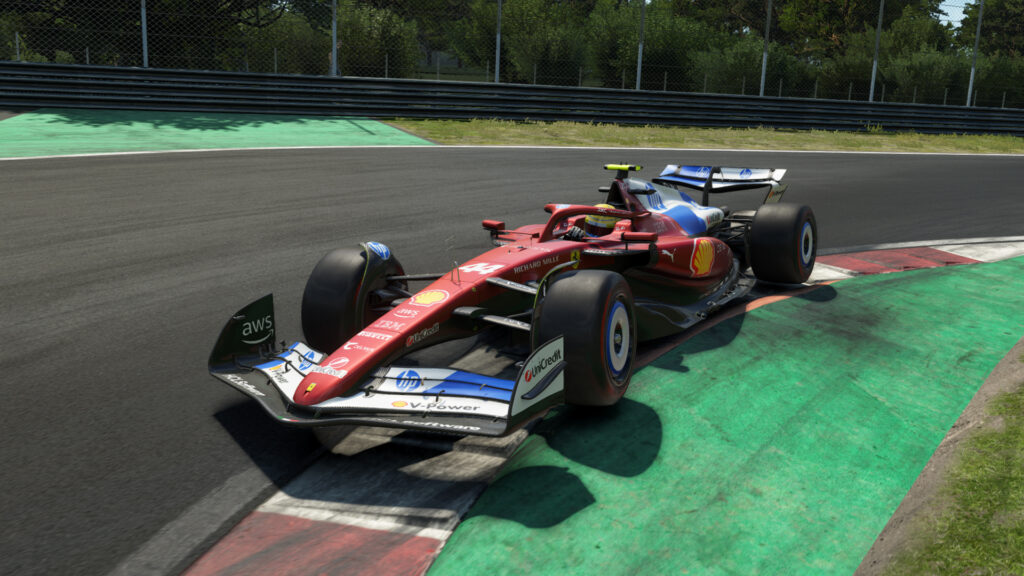
The ERS Overtake function deploys battery energy through the MGU-K, giving the car a temporary power boost to aid overtaking or to set a quick lap time. Holding the button for longer will drain the battery more until its SOC hits zero.
MGU-H Charge or Deploy
The MGU-H charge/deploy function is a simple toggle between whether the energy from the MGU-H is stored in the battery or whether it is fed directly to the MGU-K for a passive horsepower boost.
The deploy function is most useful for a one-shot qualifying lap, as the battery does not need to be topped up for a second tour.
Performance modes
There are five performance mode presets to choose from in the SF-25, and these are catch-all solutions for those who don’t want to tinker with the details of the AC EVO’s complicated ERS systems.
For example, those who just want to drive a normal race stint in the car can just select ‘Balanced’ (BAL) and the car will manage all of its systems to try and provide you with no less than 40% battery charge at any given moment. This should be capable of getting the car to the end of a Grand Prix on a full 120L tank of fuel with no further player intervention.
Balanced will give the car some MGU-K boost, but will charge the battery when eighth gear is engaged, providing a safe EBB setting to help prevent lockups. All performance modes are explained below:
- Push (PSH): Used for qualifying. Will drain the battery to zero and deploy aggressively. Maximum fuel consumption and won’t last a race distance. EBB is low to assist rotation.MGU-H is set to deploy.
- Race (RAC): Used for the race. Uses too much fuel to cover the distance. ERS slowly drains the battery. EBB is one step towards forward bias, and MGU-H recharges the battery to maintain a 20% state of charge (SOC) at all times.
- Balanced (BAL): Leaner Race mode, battery will never empty and offers some ERS assistance. EBB further forward and eighth gear will charge the battery. Targets 40% SOC.
- Lift and Coast (LIC): Fuel saving preset, lean and uses less power. ERS drains to make up the shortfall and features minimal coast charging to encourage a longer coast period. Eighth gear charges the battery.
- Charge (CHR): Use maximum fuel and ICE power, very low ERS deploy, aggressive charging during coast. Charges battery in eighth gear.
- We (WET)t: Uses maximum power and fuel consumption with ERS assistance kicking in later. Progressive throttle maps, EBB even further forward.

DRS
The Drag Reduction System (DRS) can be used on any applicable tracks in-game, providing a 10% decrease in overall drag and resulting in an acceleration and top speed boost.
There is no accompanying beep to tell you when the system can be activated, however, so keep an eye out for trackside DRS boards. The DRS can be used in any session and doesn’t require a less than one-second gap to the car in front to function.
Currently, DRS compatible tracks in AC EVO include:
- Monza
- Imola
- Spa-Francorchamps
- Fuji International Speedway
- Suzuka
- Red Bull Ring
- Circuit of the Americas
Tyres
Assetto Corsa EVO’s v0.4 update introduced three Pirelli tyre compounds to the SF-25, with soft, medium and hard available. Each has different optimal temperatures, with all providing the best grip at 25 PSI.
Softs produce quicker lap times than hards, but will overheat and wear faster, too. Falling out of the optimal temperature range will result in significant grip loss and more overheating. Their optimal temperatures can be found below:
- Soft: 95-110C
- Medium: 100-125C
- Hard: 105-140C
How to make the Halo transparent in Assetto Corsa EVO
To make the Halo transparent in Assetto Corsa EVO, you will first need to take the Ferrari SF-25 out on track. Pause the game and head to ‘View Settings’, then ‘Wheel & Dash’. From here, set ‘Halo Visibility’ to ‘Hidden’.
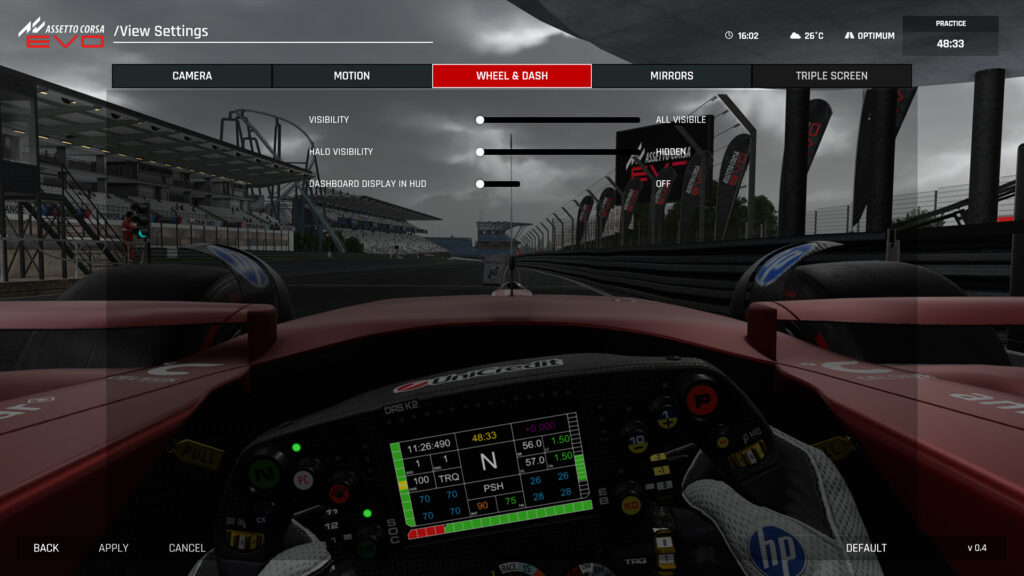
Mapping Assetto Corsa EVO’s hybrid system and onboard controls
In the game’s controls menu, you will have to map the following functions to gain the full suite of hybrid features in-cockpit. You can also adjust the differential to improve handling on the fly, tuning coast and power settings.
- Engine Map Setting Increase – changes engine map 1-12
- Engine Map Setting Decrease – changes engine map 1-12
- Brake Bias Rear – moves brake bias rearward
- Brake Bias Front – moves brake bias forward
- ERS Recharging Map Decrease
- ERS Recharging Map Increase
- ERS Deployment Map Decrease
- ERS Deployment Map Increase
- MGU-Heat Mode Toggle – changes MGU-H deploy/charge functions
- ERS Overtake – provides a temporary power boost
- DRS Activate – opens DRS at designated points
- Performance Mode Previous – switches preset performance modes
- Performance Mode Next – switches preset performance modes
- EBB Map Cycle 1 – moves EBB rearward (unless on ‘1’)
- EBB Map Cycle 2 – moves EBB forward left
- Differential Power Cycle 1 – decreases diff power. Higher = more oversteer and traction
- Differential Power Cycle 2 – increases diff power. Lower = less oversteer and traction
- Differential Coast Cycle 1 – decreases diff coast. Higher = more stable, more understeer
- Differential Coast Cycle 2 – increases diff coast. Lower = less stable, more oversteer
Source: Assetto Corsa EVO


Chat with the Community
Sign Up To CommentIt's completely Free
Anyone have a good setup fpr the F1-25 for any of the twisty tracks like COTA, suzuka…?
I’d recommend lowering Diff Power and maxing out the rear wing!
Having DRS in Circuit ofthe Americas too!
Cheers, will update!